Not quite right?
A different input, another range, galvanic isolation or your own logo: we adapt the module.


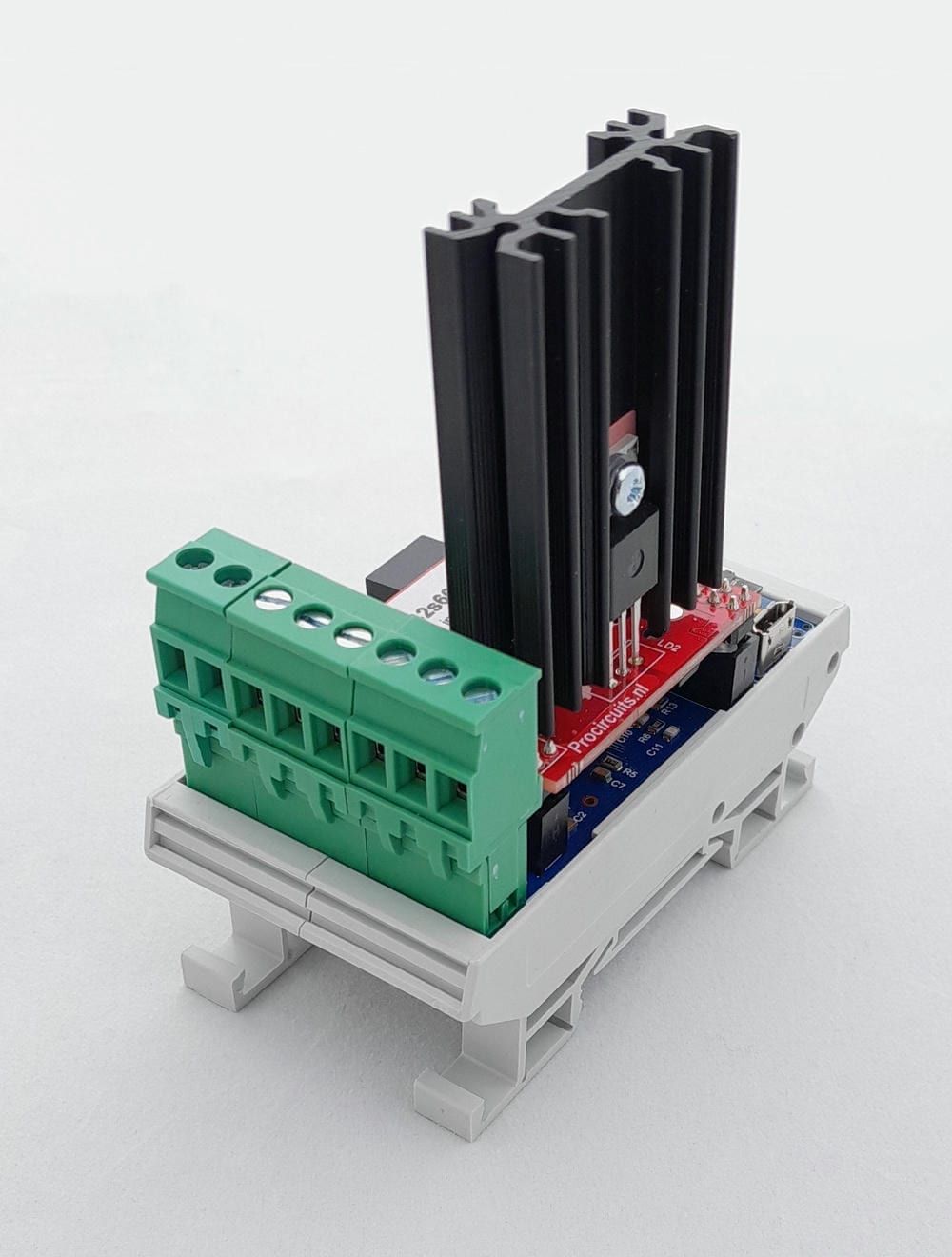
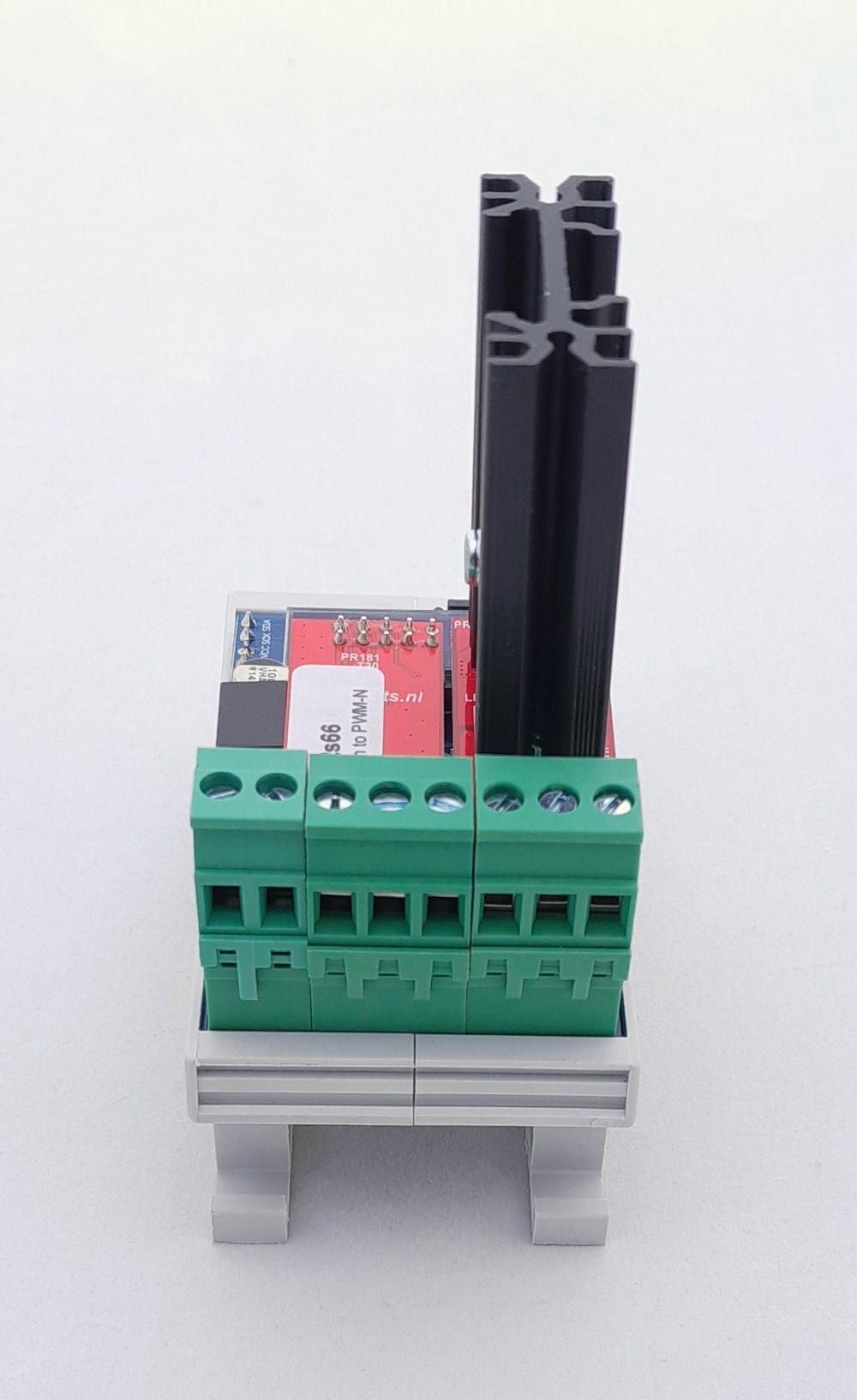
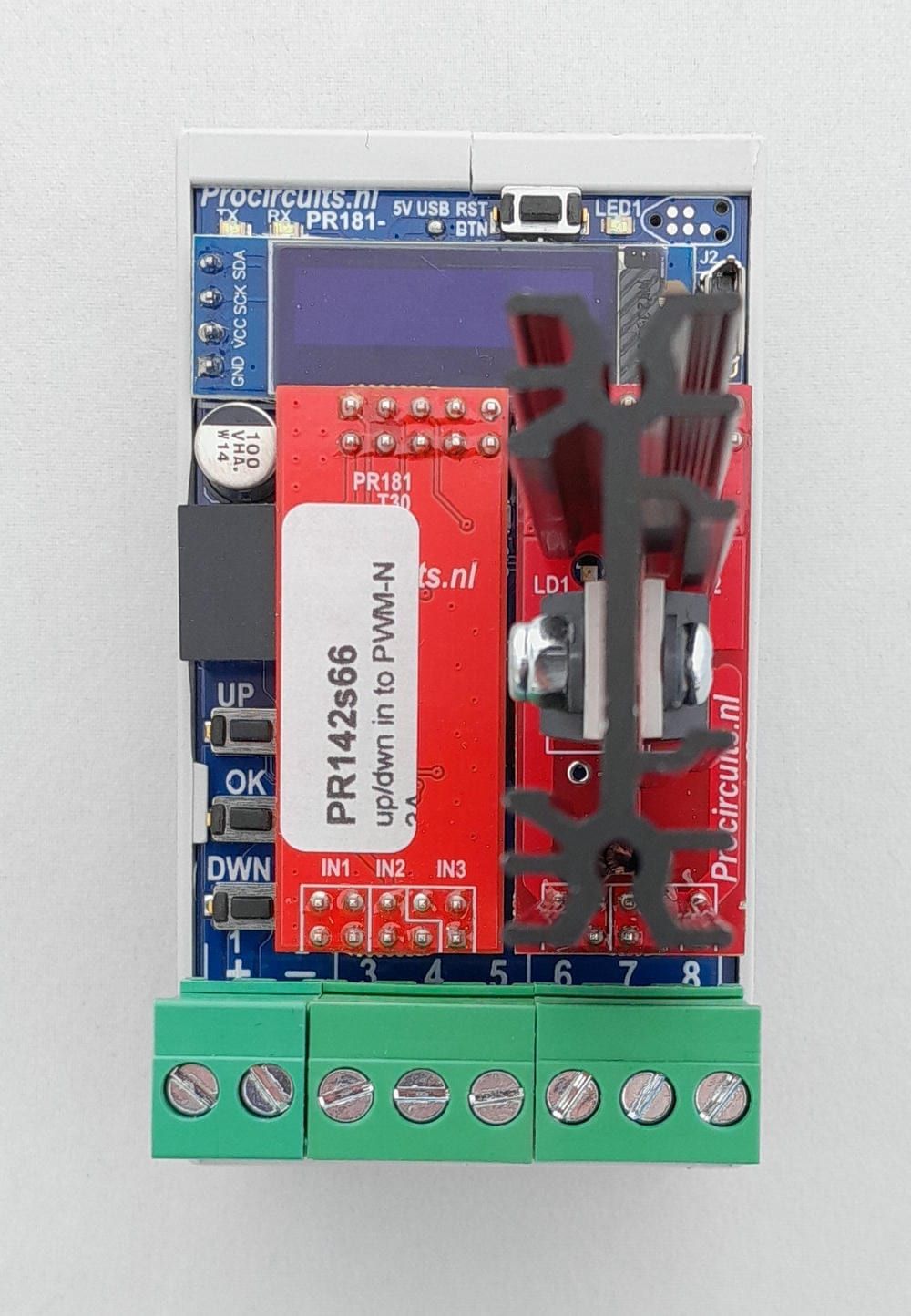
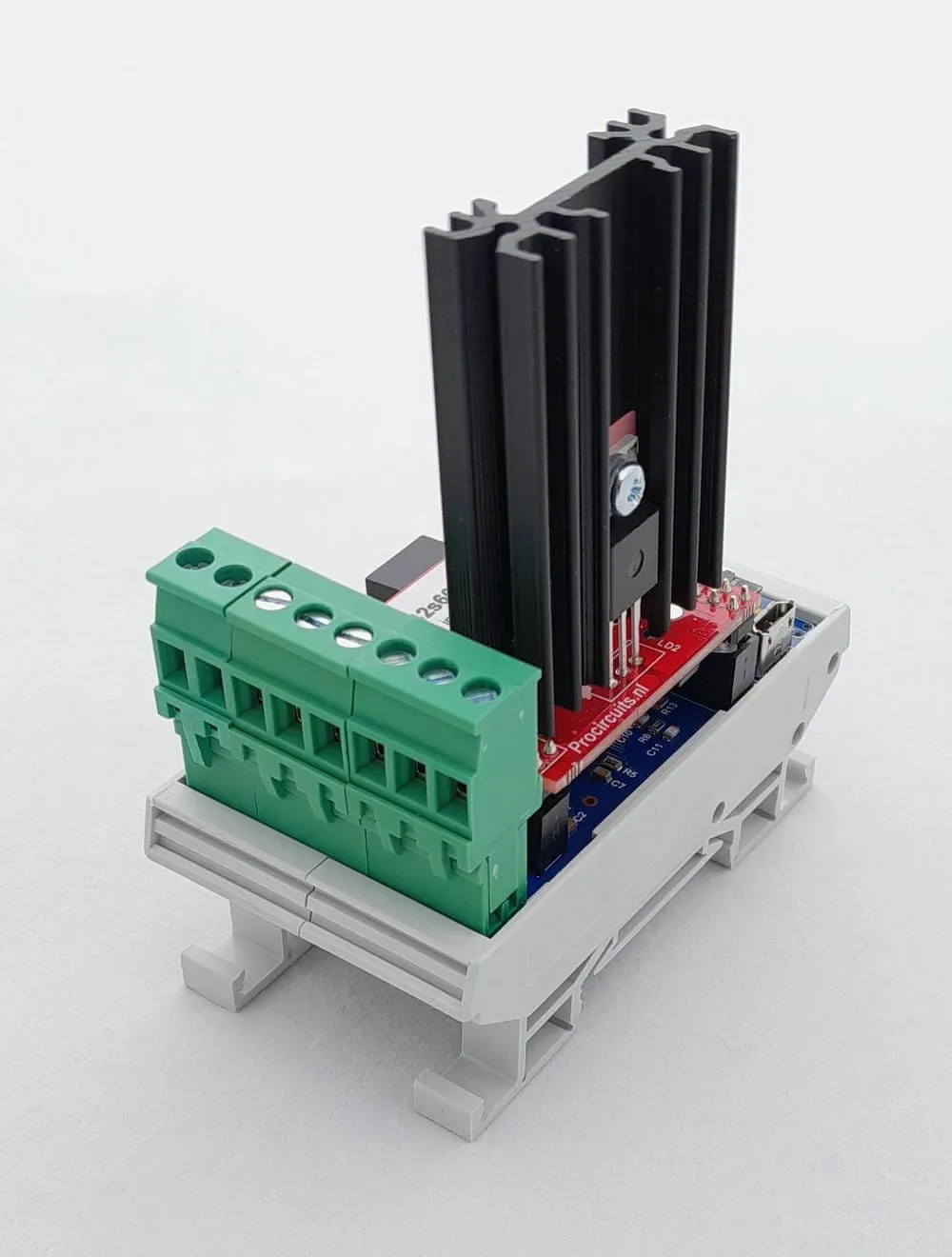
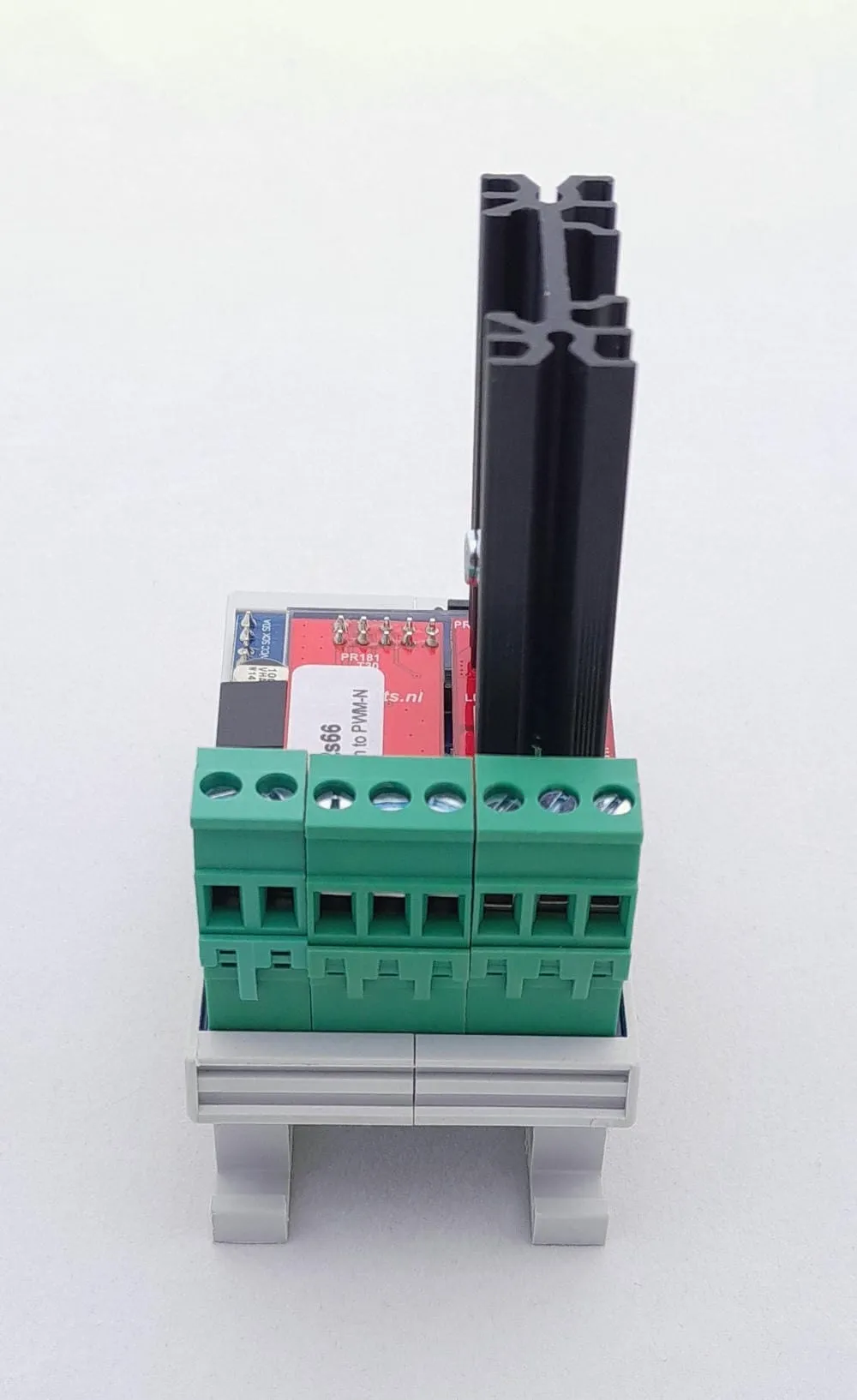
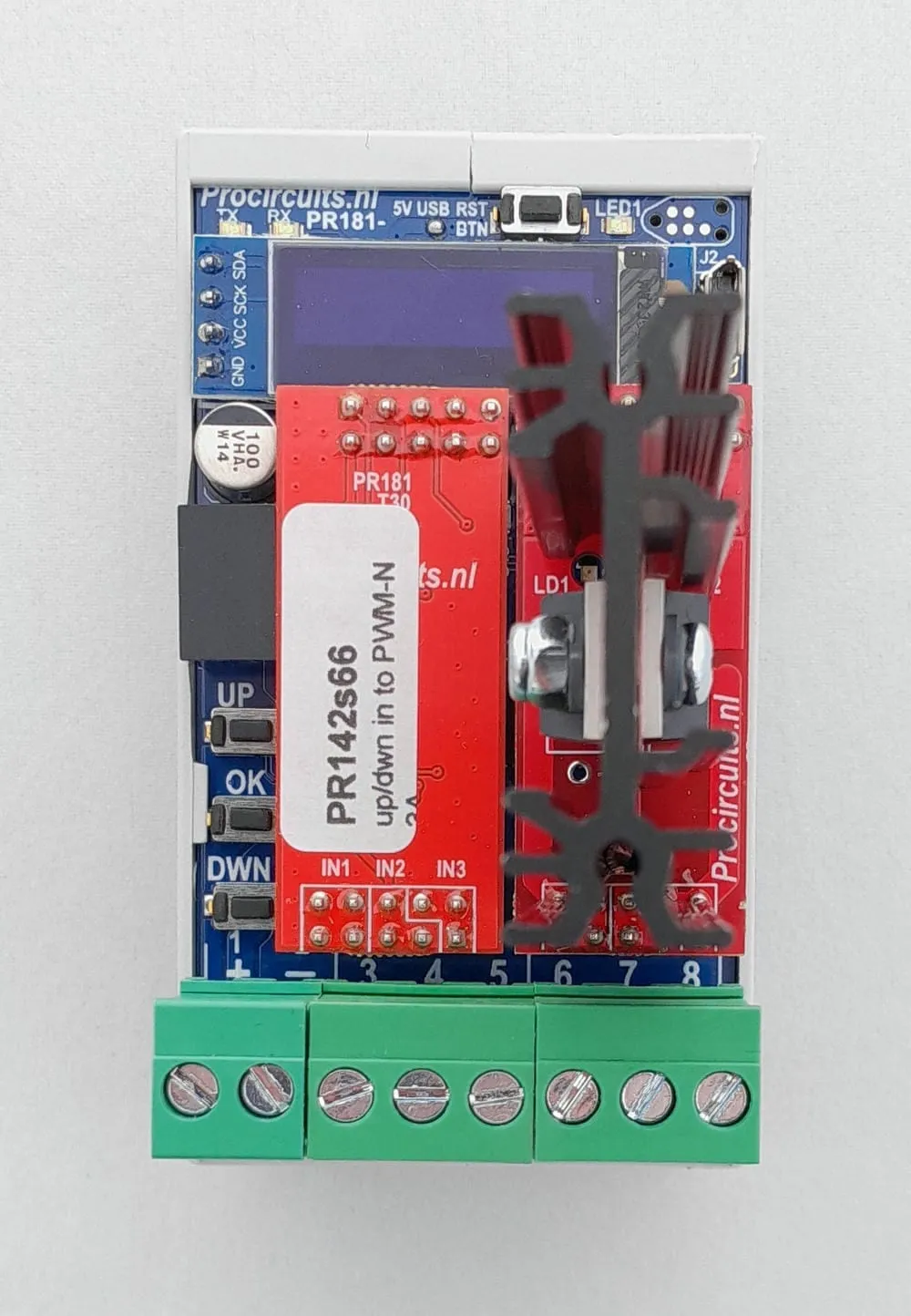
Article number PR142s66
The PR142s66 dims lighting with a single external pulse contact, through a low-side switched PWM output of up to 3.5 A. A short press switches the lighting on or off, holding the button dims, and a double click takes the output straight to maximum. The limits, dimming speed and dimming curve are set on the display, as is the behaviour at switch-on and after a power interruption. After an adjustable time of 1 to 100 hours the dimmer switches off automatically, so lighting does not stay on unnecessarily.
Price on request
Lead time on request. Not in stock? We will make it.
Orders are placed by email with a purchase order. We supply businesses only.
| Supply | 24 V DC ±10 % |
|---|---|
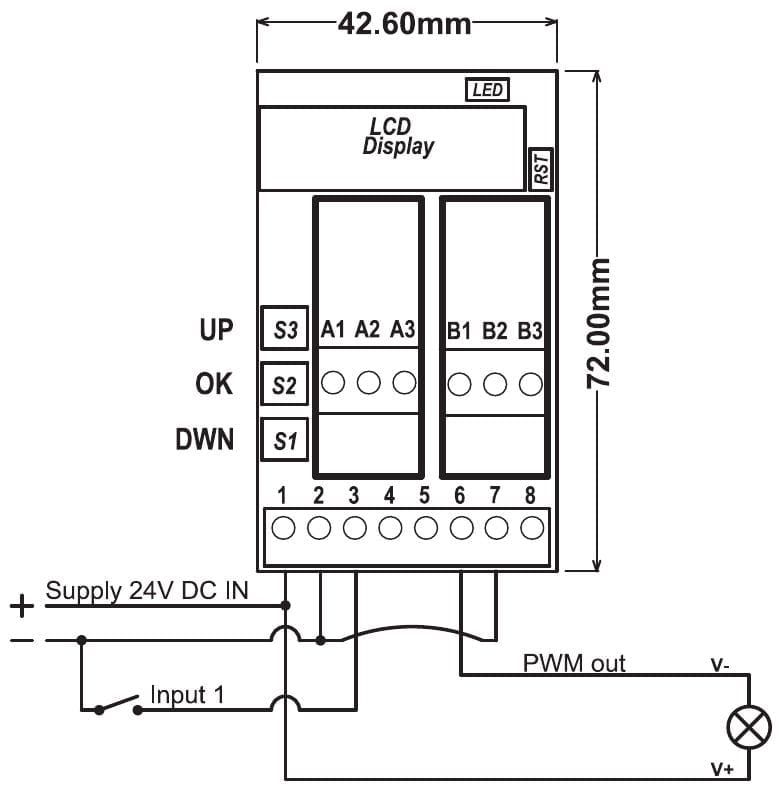
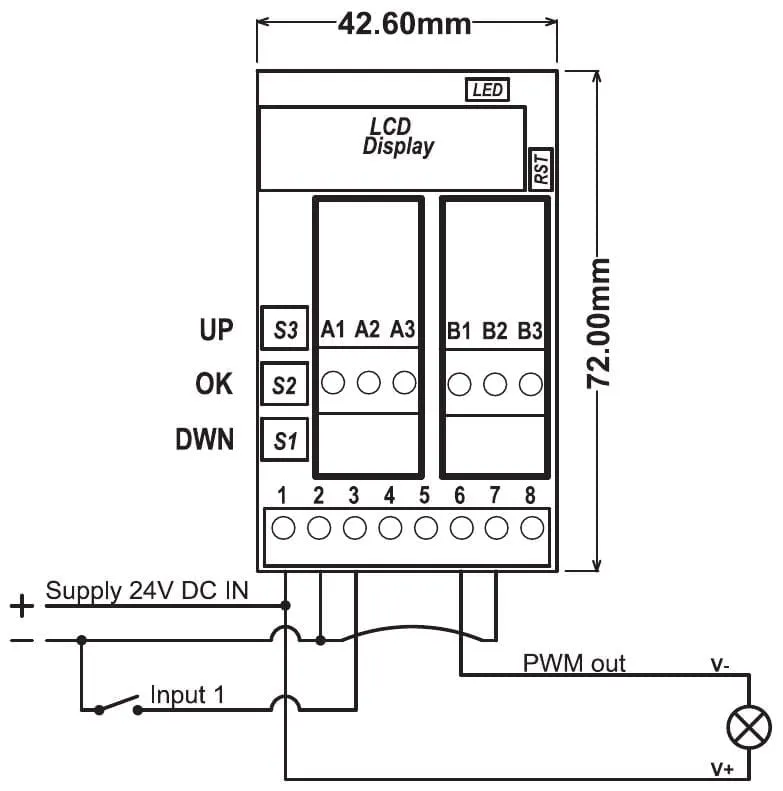
| Input | One pulse contact (normally open) between terminals 2 and 3 |
| Output | PWM, low-side switched: lighting between terminals 1 and 6 |
| Setup | Display with UP, OK and DOWN buttons |
| Output current | 3.5 A max. |
| PWM frequency | 100 Hz as delivered, adjustable |
| Ambient temperature | -25 to 55 °C, non-condensing |
| Dimensions | 45 x 83 mm with DIN rail enclosure, 42.6 x 72 mm without |
| Factory setting | Output lower limit 0 %, upper limit 100 % |
| Terminal | Function |
|---|---|
| Terminal 1 | Supply plus (24 V DC) and lighting plus |
| Terminal 2 | Supply minus, also switch connection; connect externally to terminal 7 |
| Terminal 3 | Push-button input, normally open (NO) |
| Terminal 4 | Not used |
| Terminal 5 | Not used |
| Terminal 6 | PWM output, to the lighting minus |
| Terminal 7 | Supply minus; link to terminal 2 with a short wire |
| Terminal 8 | Not used |
A different input, another range, galvanic isolation or your own logo: we adapt the module.
You speak directly with the developer. Call or message Willem on +31 6 45 77 55 93.
PR142s66
Enter the quantity. You will receive price and lead time by email. You then order with a purchase order.
Send the article number and quantity via WhatsApp to +31 6 83 66 55 88. Willem replies on working days.
WhatsApp Willem(opens in a new tab)Dimmers
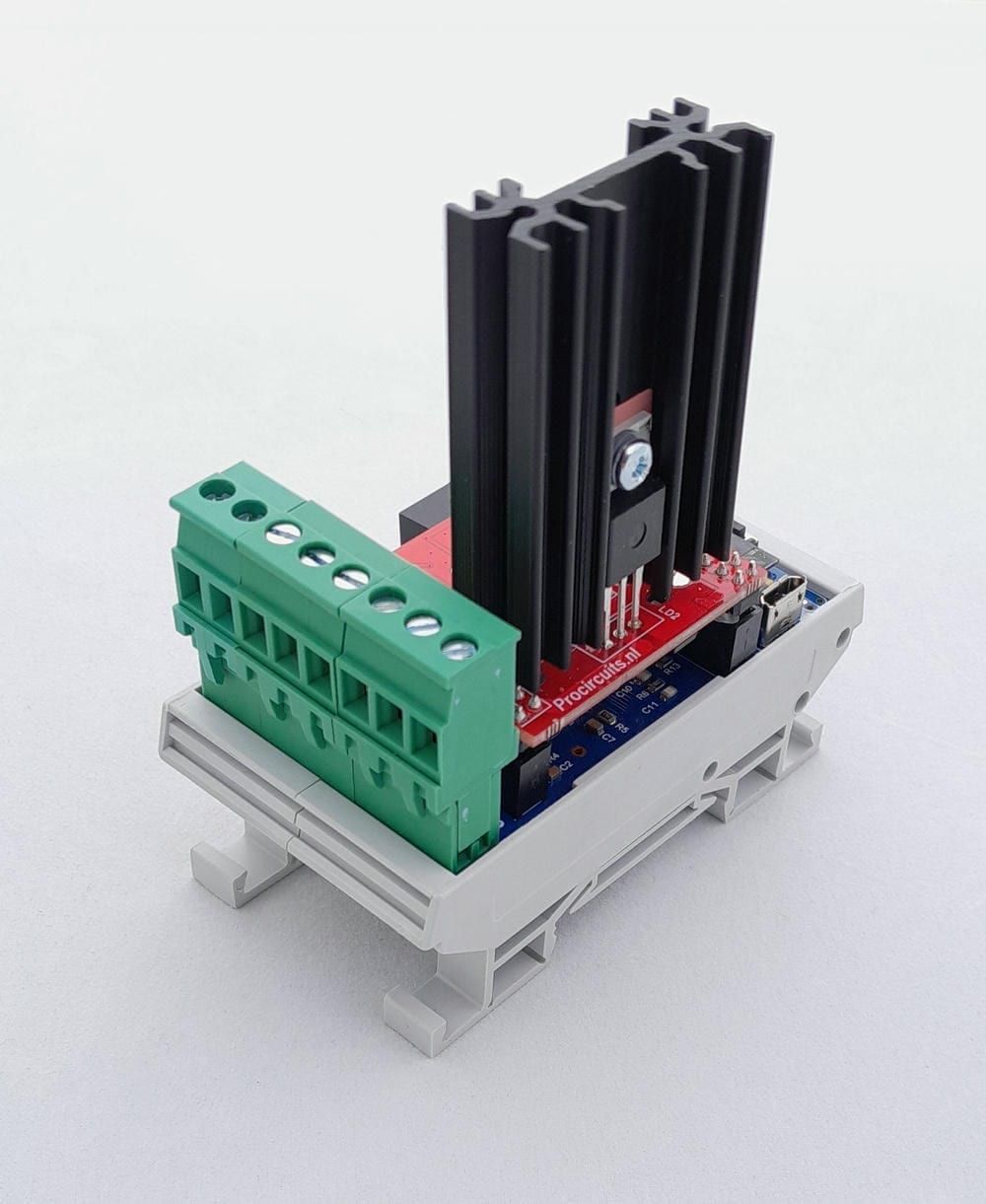
PR181-X062
In: Pulse contactOut: PWM
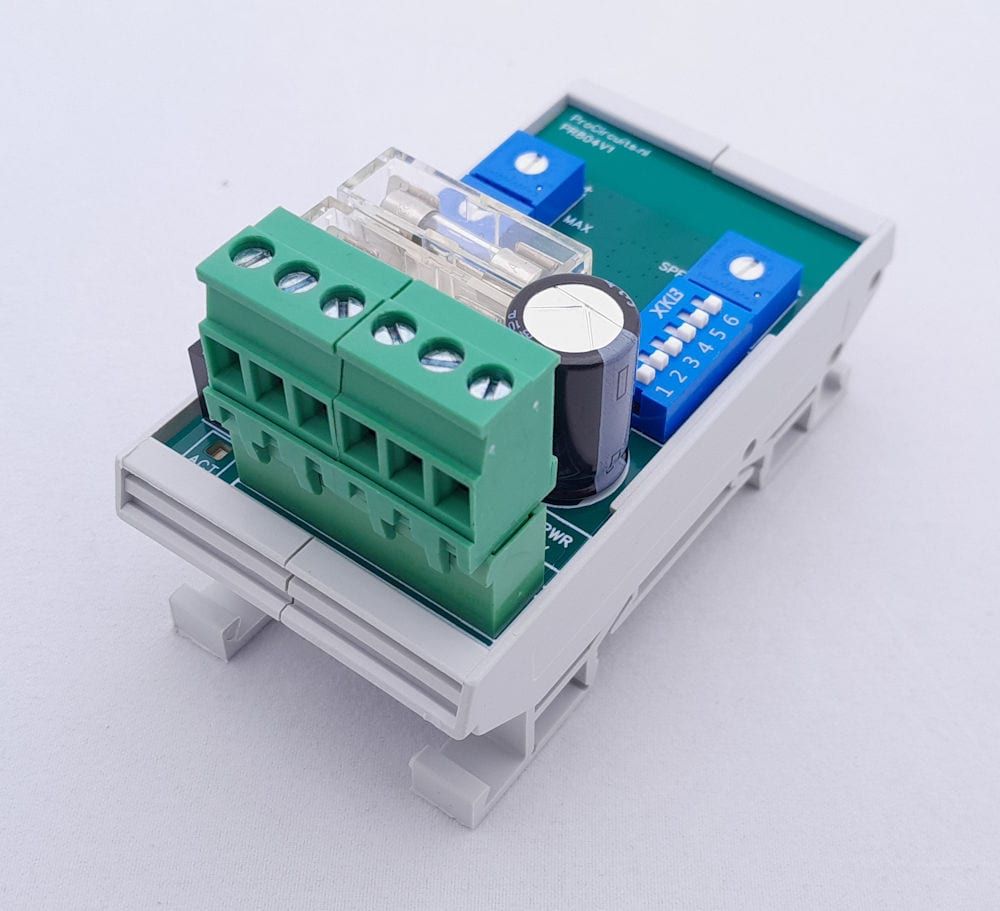
PR804s07
In: Pulse contactOut: PWM
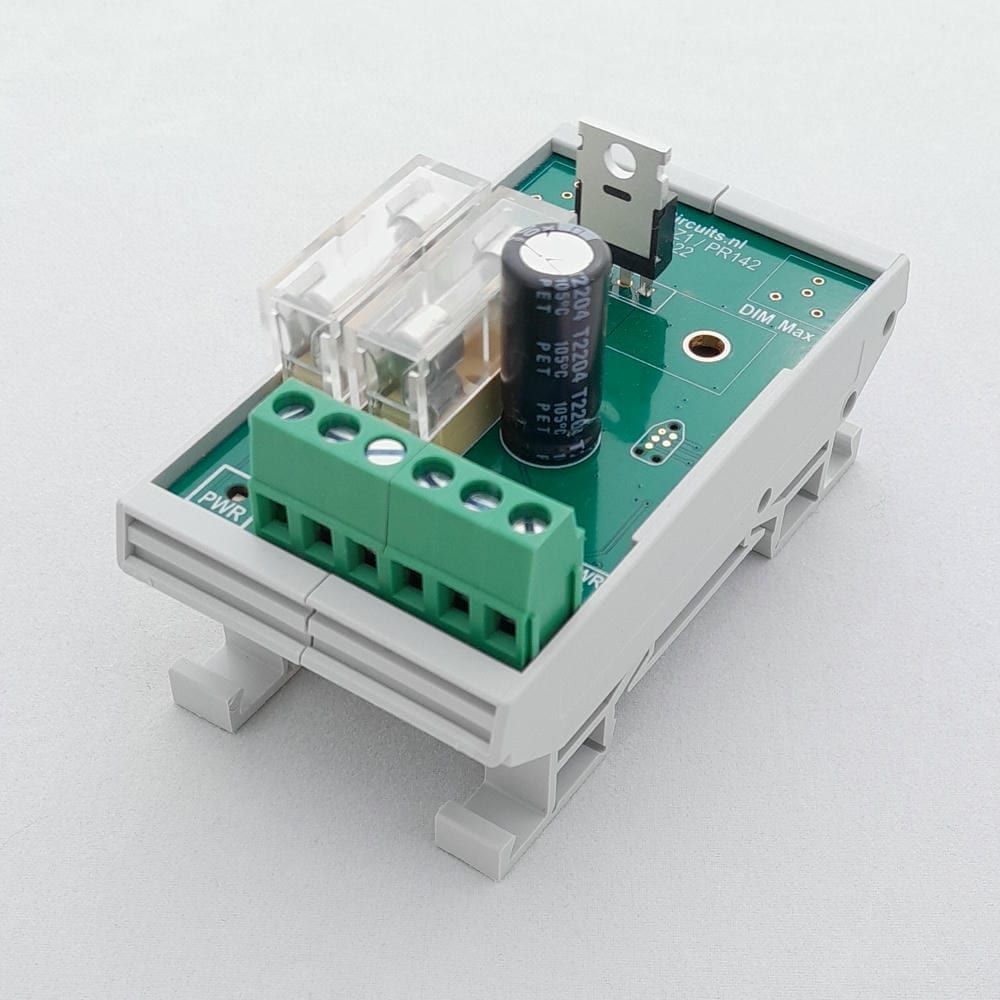
PR142x03
In: Pulse contactOut: PWM
PR181-X083
In: PotentiometerOut: PWM