Not quite right?
A different input, another range, galvanic isolation or your own logo: we adapt the module.


Article number PR515x001
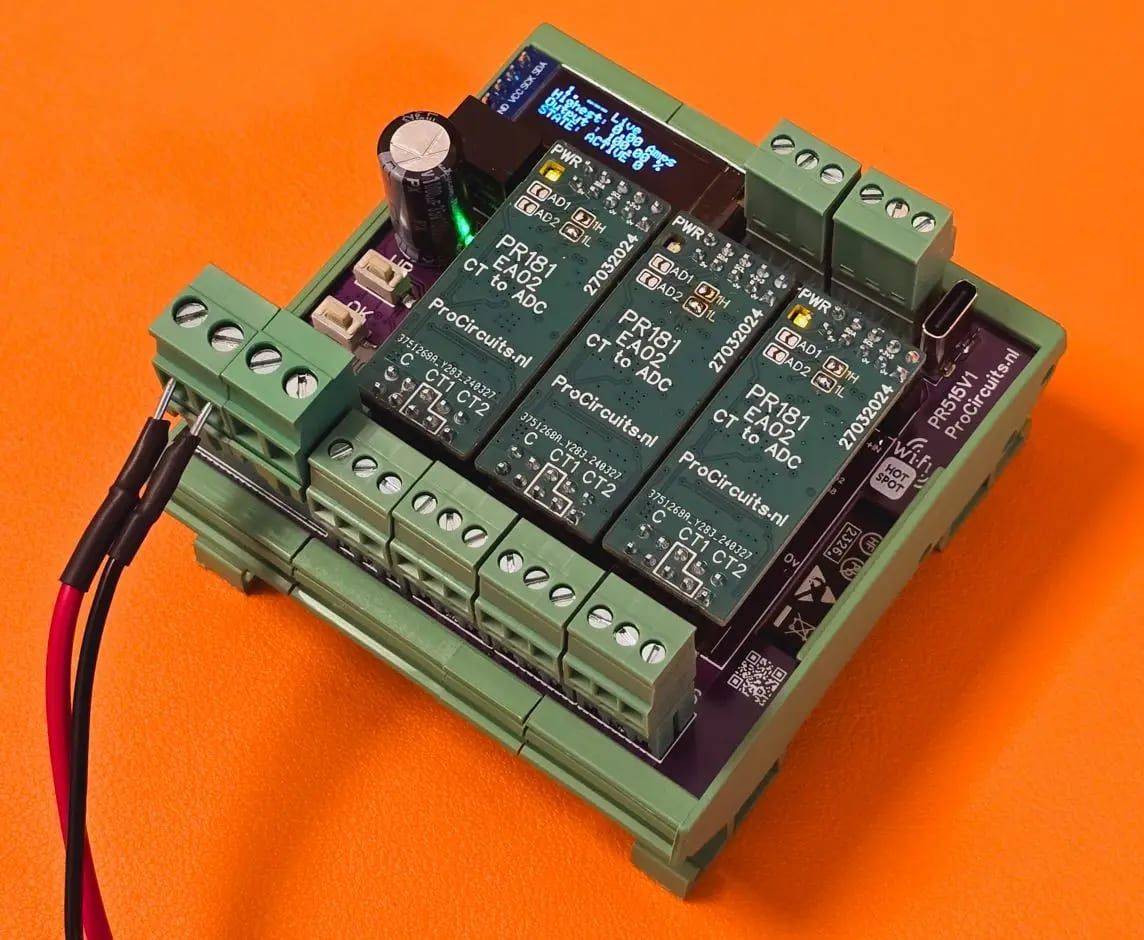
The PR515x001 measures the current in a network through up to three current transformers (1 A or 5 A, true RMS) and provides a 4-20 mA signal. While the highest measured current stays below the set point, the output is 20 mA; above it, the output ramps down proportionally to 4 mA at the cut-off current, and above that a relay contact switches as well. Because the current transformers measure contactlessly, the existing wiring does not need to be modified. Currents, times and delays are set on the OLED display.
Price on request
Lead time on request. Not in stock? We will make it.
Orders are placed by email with a purchase order. We supply businesses only.
| Supply | 12 and 24 V DC, operating range 11 to 30 V DC |
|---|---|
| Input | Three inputs for current transformers (CT) of 1 A or 5 A AC, true RMS |
| Output | 4-20 mA, active, on terminal 11; 0-10 V on terminal 13; relay contact (normally open) on terminals 20 and 21, 1000 mA max. |
| Isolation | 4-20 mA output not galvanically isolated (isolated output as an option); the current transformers measure contactlessly and with galvanic isolation |
| Setup | OLED display with UP, DOWN and OK buttons; changes take effect immediately and are retained after SAVE |
| CT input load | Not more than 5 A AC continuously; a fuse per input is recommended if the current may exceed this |
| Control | Set point, cut-off current, restart current and delays adjustable in mA and seconds |
| Rise and fall rate | Adjustable in seconds |
| USB | USB port for software updates and reading the status, baud rate 115k |
| Wi-Fi | Built-in hotspot for software updates |
| Factory setting | Set for 5 A current transformers |
| Terminal | Function |
|---|---|
| Terminal 1 | Supply plus (11 to 30 V DC) |
| Terminal 2 | Supply minus, also common ground of the analogue signals |
| Terminal 3 | Not used |
| Terminal 4 | Not used |
| Terminal 5 | Current transformer CT1, AC- |
| Terminal 6 | Not used |
| Terminal 7 | Current transformer CT1, AC+ |
| Terminal 8 | Current transformer CT2, AC- |
| Terminal 9 | Not used |
| Terminal 10 | Current transformer CT2, AC+ |
| Terminal 11 | 4-20 mA output (plus), active |
| Terminal 12 | Not used |
| Terminal 13 | 0-10 V output (plus); leave unconnected if not used |
| Terminal 14 | Current transformer CT3, AC- |
| Terminal 15 | Not used |
| Terminal 16 | Current transformer CT3, AC+ |
| Terminal 17 | CAN bus L; leave unconnected if not used |
| Terminal 18 | CAN bus H; leave unconnected if not used |
| Terminal 19 | Not used |
| Terminal 20 | Relay contact, normally open (NO), 1000 mA max. |
| Terminal 21 | Relay contact, common (COM) |
| Terminal 22 | Not used |
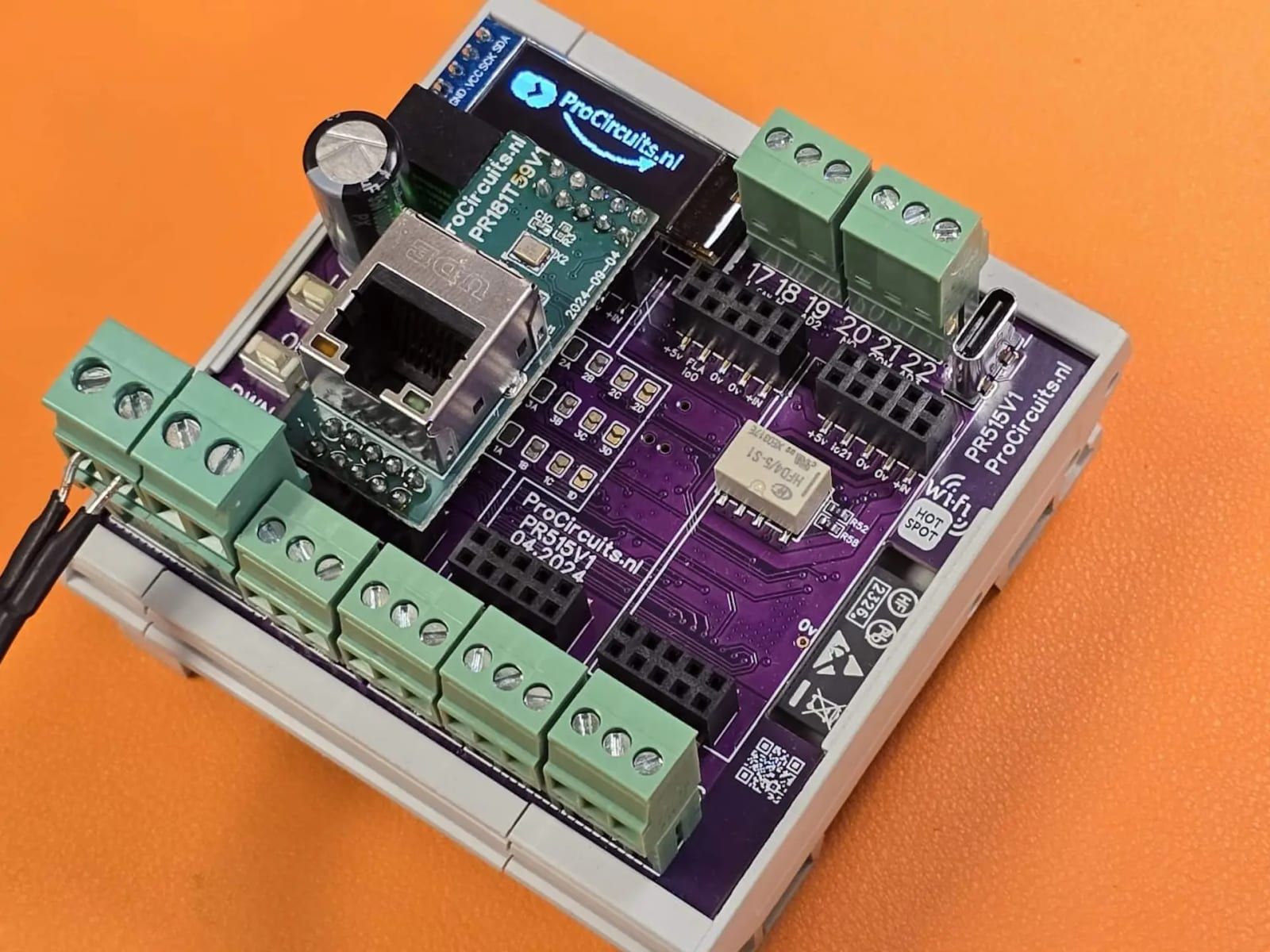
The modules in the PR515 series have an OLED display and push buttons, so they can be set up without a computer and show the current values of inputs and outputs. They run on 12 and 24 V DC systems. Most versions can be extended on request, for example with an extra relay output, a PWM output, a bus connection (CAN bus or Modbus) or a different sensor input.
A different input, another range, galvanic isolation or your own logo: we adapt the module.
You speak directly with the developer. Call or message Willem on +31 6 45 77 55 93.
PR515x001
Enter the quantity. You will receive price and lead time by email. You then order with a purchase order.
Send the article number and quantity via WhatsApp to +31 6 83 66 55 88. Willem replies on working days.
WhatsApp Willem(opens in a new tab)Signal converters