Not quite right?
A different input, another range, galvanic isolation or your own logo: we adapt the module.


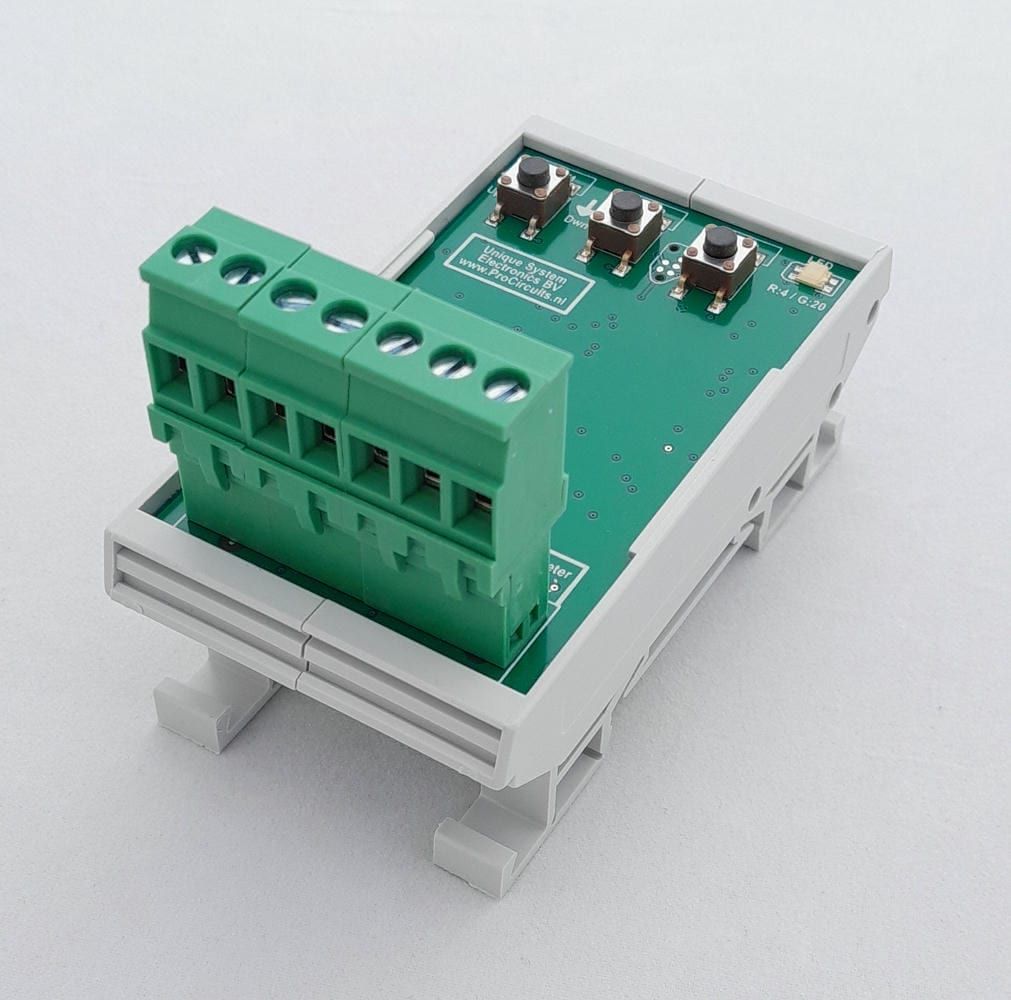
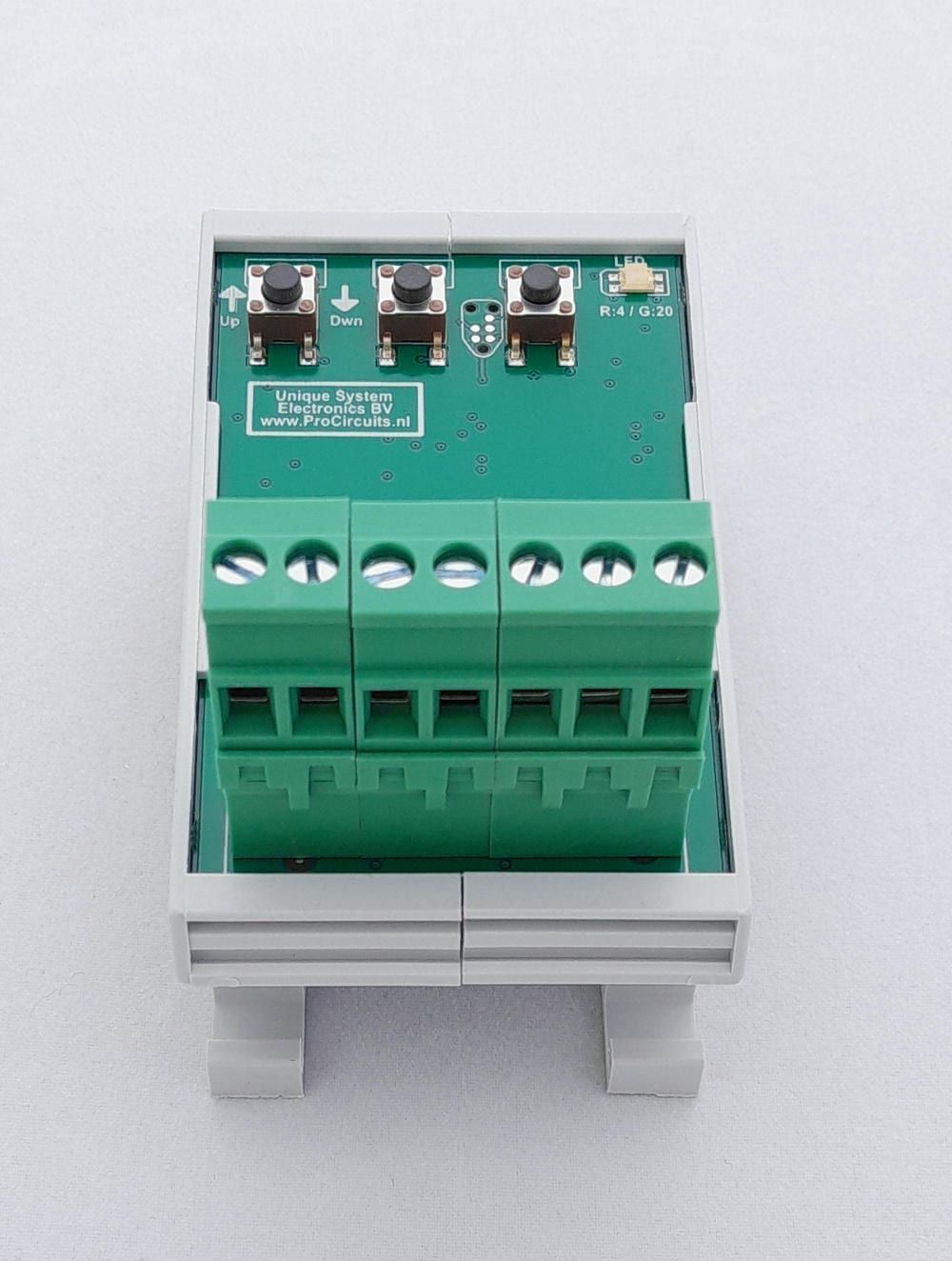
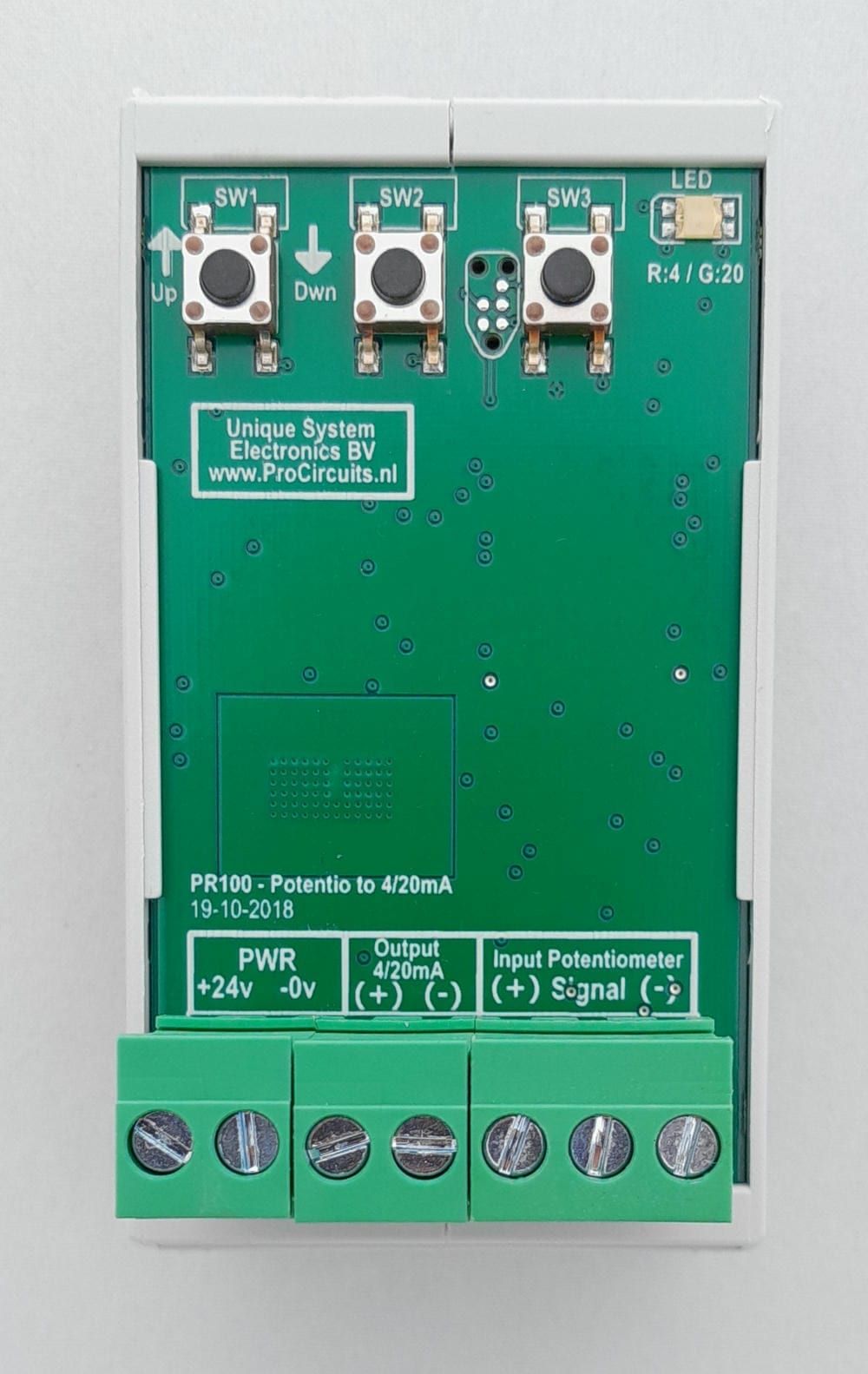
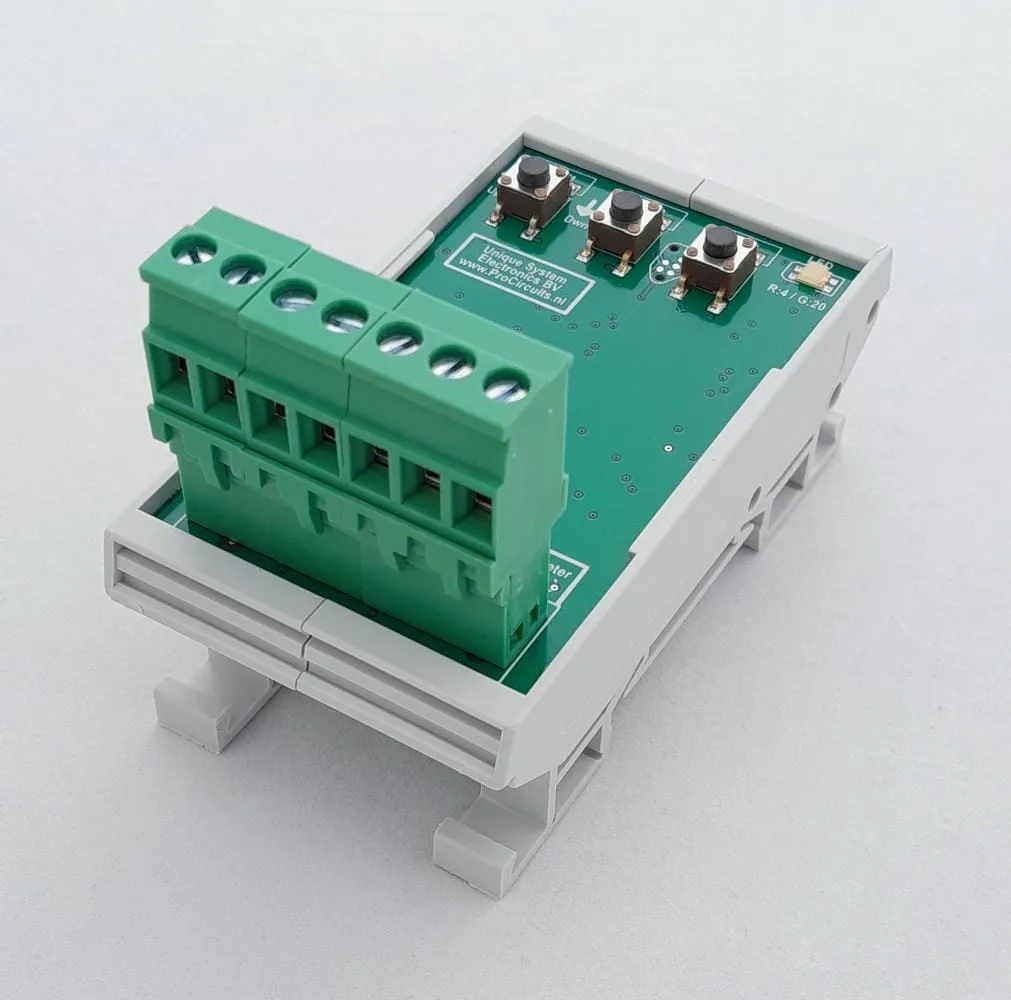
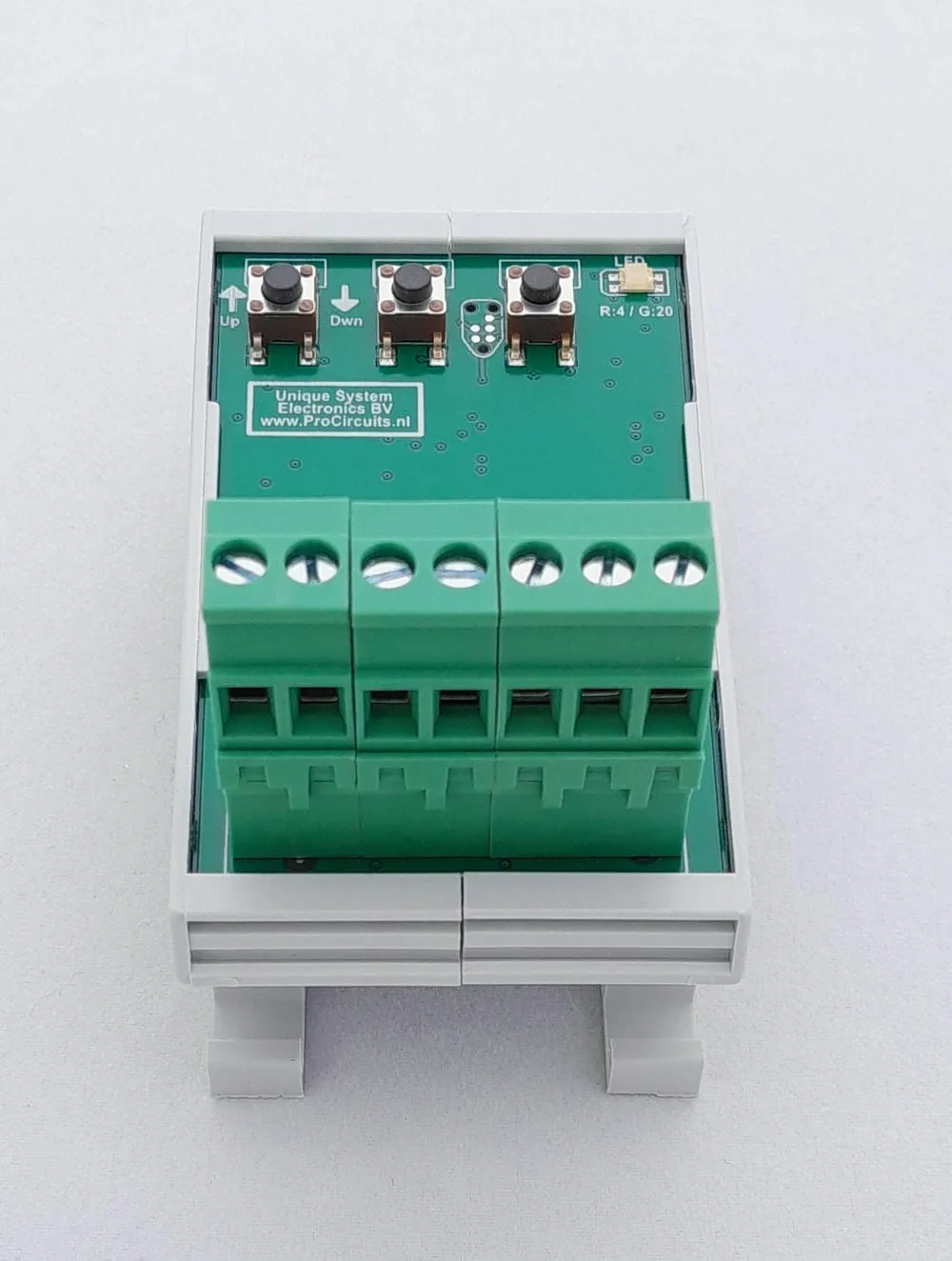
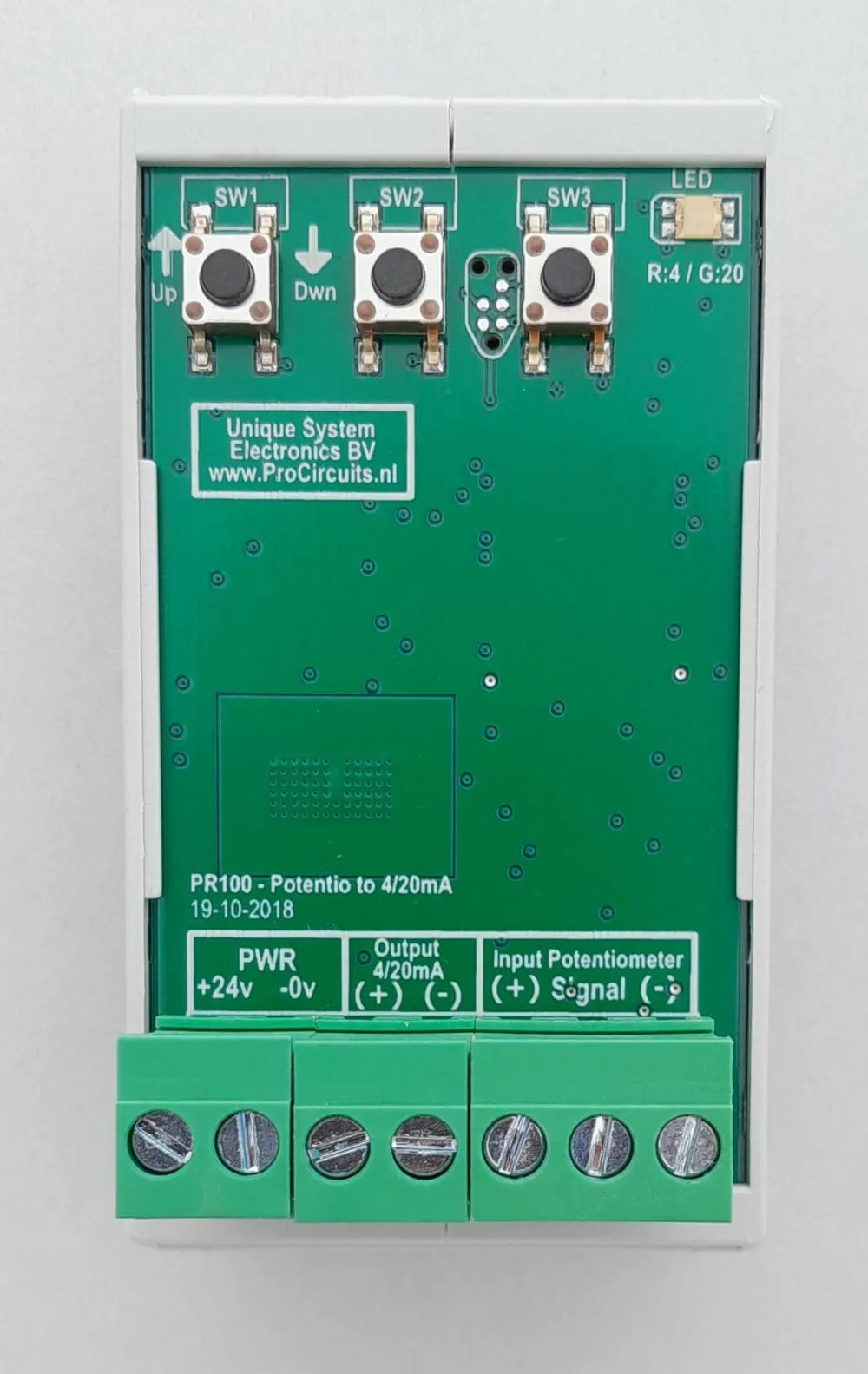
Article number PR100s09
The PR100s09 converts the signal of a pulse contact or switch between terminals 6 and 7 into a 0-5 V DC voltage signal. Both states are stored with the push buttons: contact closed, press the button for 5 V; contact open, press the button for 0 V. Fine adjustment of the output by hand remains possible afterwards. The output is not galvanically isolated: the output minus is internally connected to the supply minus.
Price on request
Lead time on request. Not in stock? We will make it.
Orders are placed by email with a purchase order. We supply businesses only.
| Supply | 12 and 24 V DC, operating range 11 to 30 V DC |
|---|---|
| Input | Pulse contact or switch between terminals 6 and 7 |
| Output | 0-5 V DC |
| Isolation | Not isolated: the output minus (terminal 4) is internally connected to the supply minus (terminal 2) |
| Setup | Three push buttons and a green LED |
| Ambient temperature | 0 to 55 °C |
| Dimensions | Board 43 x 72 mm |
| Mounting | DIN rail holder, supplied as standard |
| Terminal | Function |
|---|---|
| Terminal 1 | Supply plus, 12 or 24 V DC |
| Terminal 2 | Supply minus, also common ground for the analogue signals |
| Terminal 3 | 0-5 V output plus |
| Terminal 4 | 0-5 V output minus, internally connected to terminal 2 |
| Terminal 5 | Not used |
| Terminal 6 | Pulse contact plus: one side of the switch |
| Terminal 7 | Pulse contact minus: other side of the switch |
The converters in the PR100 series are set up with three push buttons and a green LED on the module. Button 3 puts the module in programming mode, button 2 stores the value for the maximum and button 1 the value for the minimum; button 3 saves. The output can then still be fine-tuned by hand. All versions run on 12 and 24 V DC, operating range 11 to 30 V DC, at an ambient temperature of 0 to 55 °C; the board measures 43 x 72 mm and a DIN rail holder is supplied as standard. The output minus is internally connected to the supply minus: the PR100 is not galvanically isolated. To restore the factory settings, disconnect the supply, hold button 2 and reconnect the supply.
Do input and output need to be isolated, or would you rather set it up on a display? Then choose a module from the PR181 series: it is set up on a display, runs on 9 to 30 V DC and has a galvanically isolated output and an adjustable rise and fall rate. Where a PR181 exists for the same conversion, it is listed on the product page under Other version.
A different input, another range, galvanic isolation or your own logo: we adapt the module.
You speak directly with the developer. Call or message Willem on +31 6 45 77 55 93.
PR100s09
Enter the quantity. You will receive price and lead time by email. You then order with a purchase order.
Send the article number and quantity via WhatsApp to +31 6 83 66 55 88. Willem replies on working days.
WhatsApp Willem(opens in a new tab)Signal converters
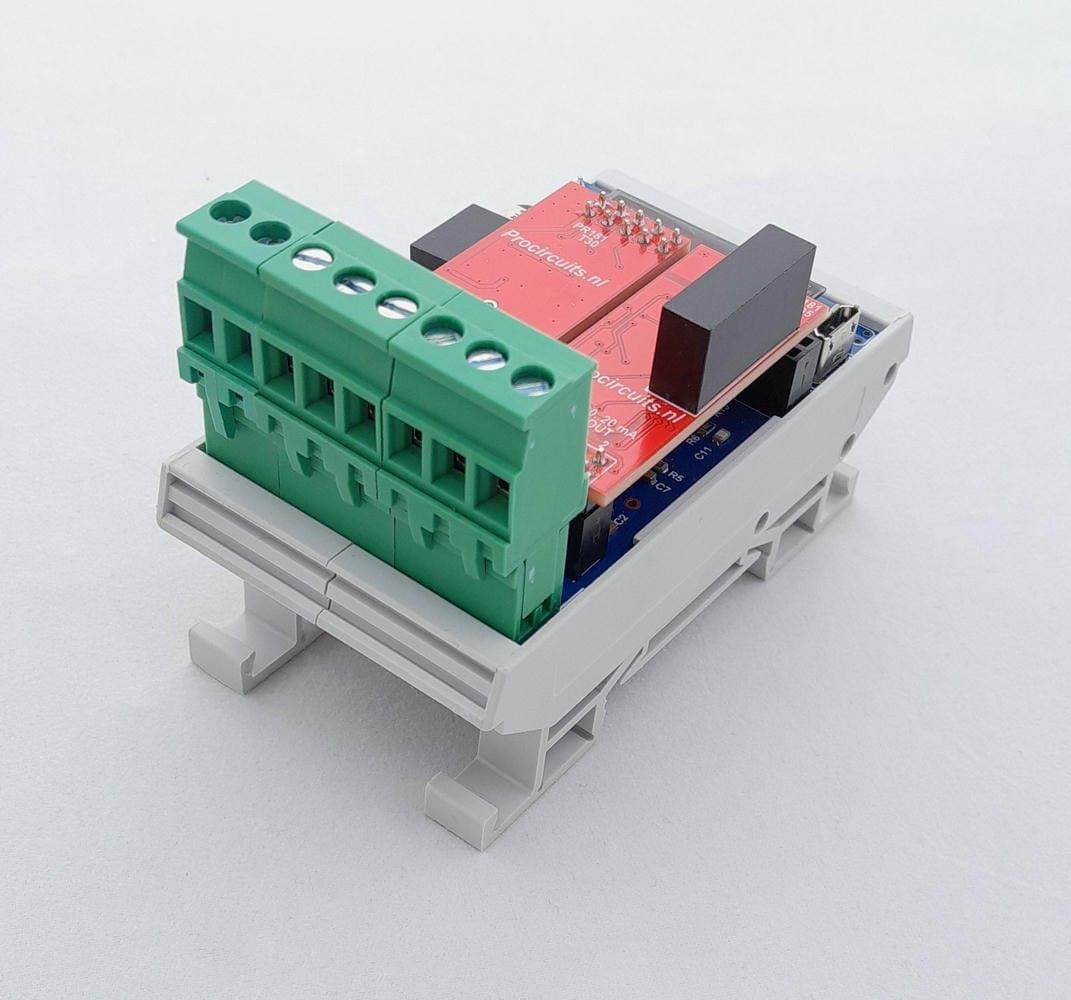
PR181-X027
In: Pulse contactOut: 4-20 mA or 0-20 mA
PR100s08
In: PotentiometerOut: 0-5 V
PR100s04
In: 0-10 VOut: 0-5 V
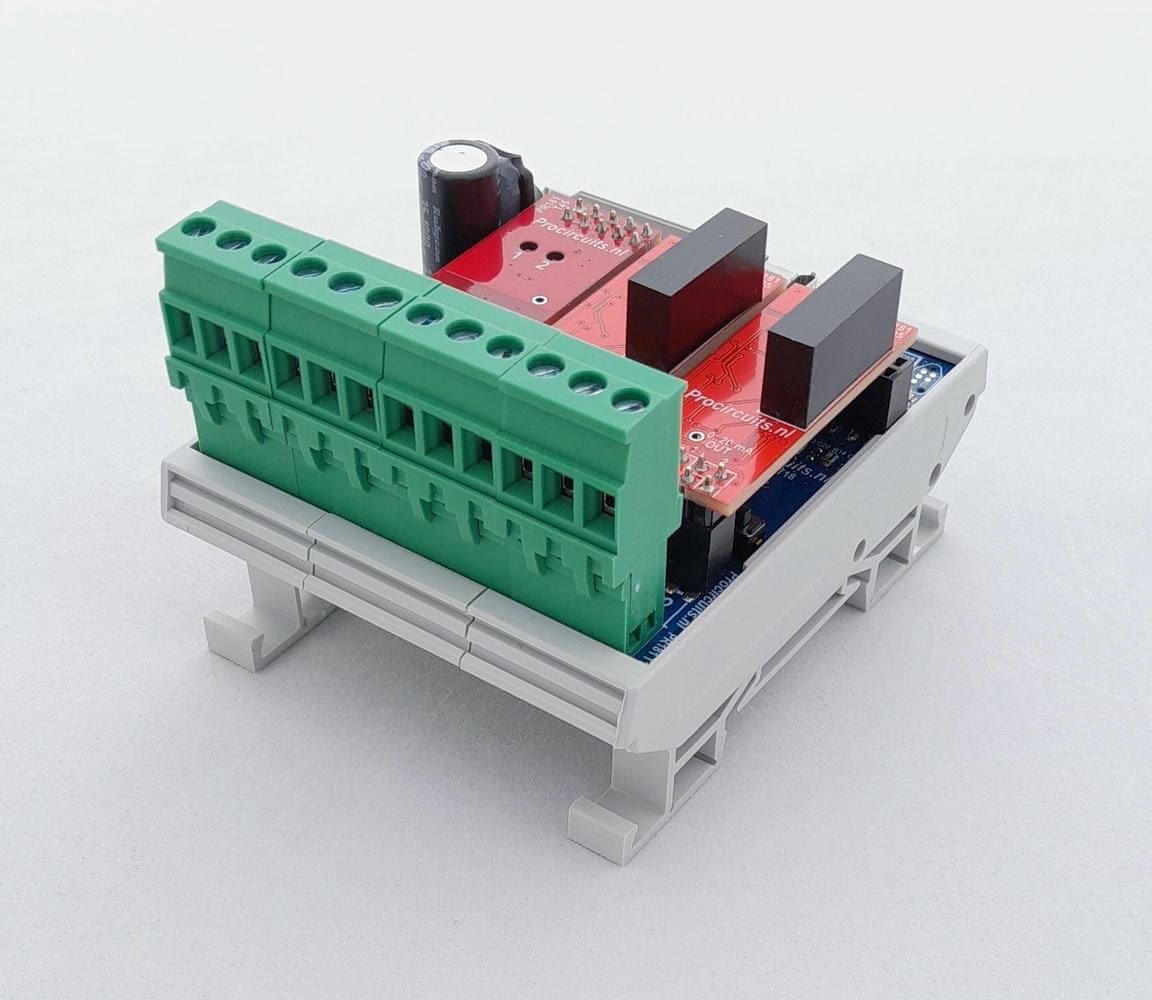
PR181-X031
In: Pulse contactOut: 4-20 mA or 0-20 mA