Not quite right?
A different input, another range, galvanic isolation or your own logo: we adapt the module.


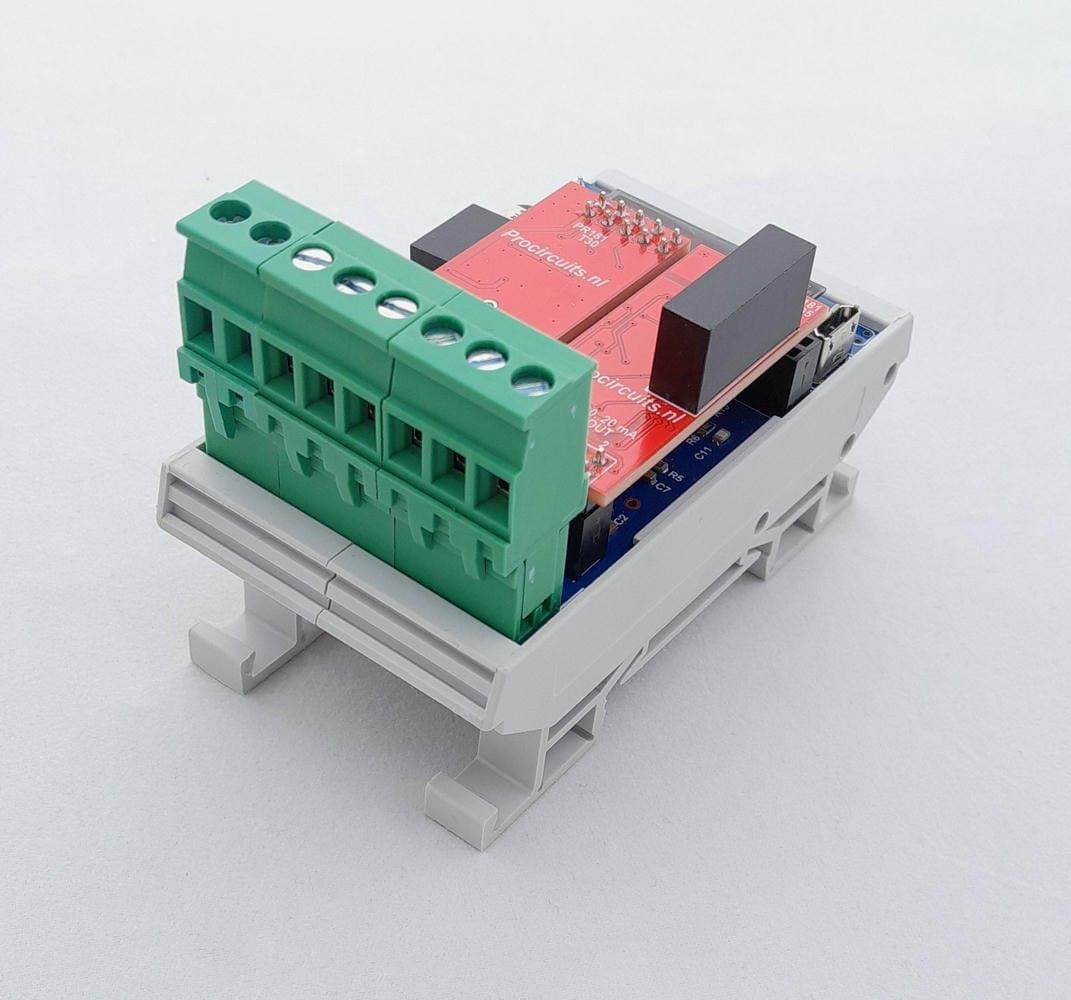
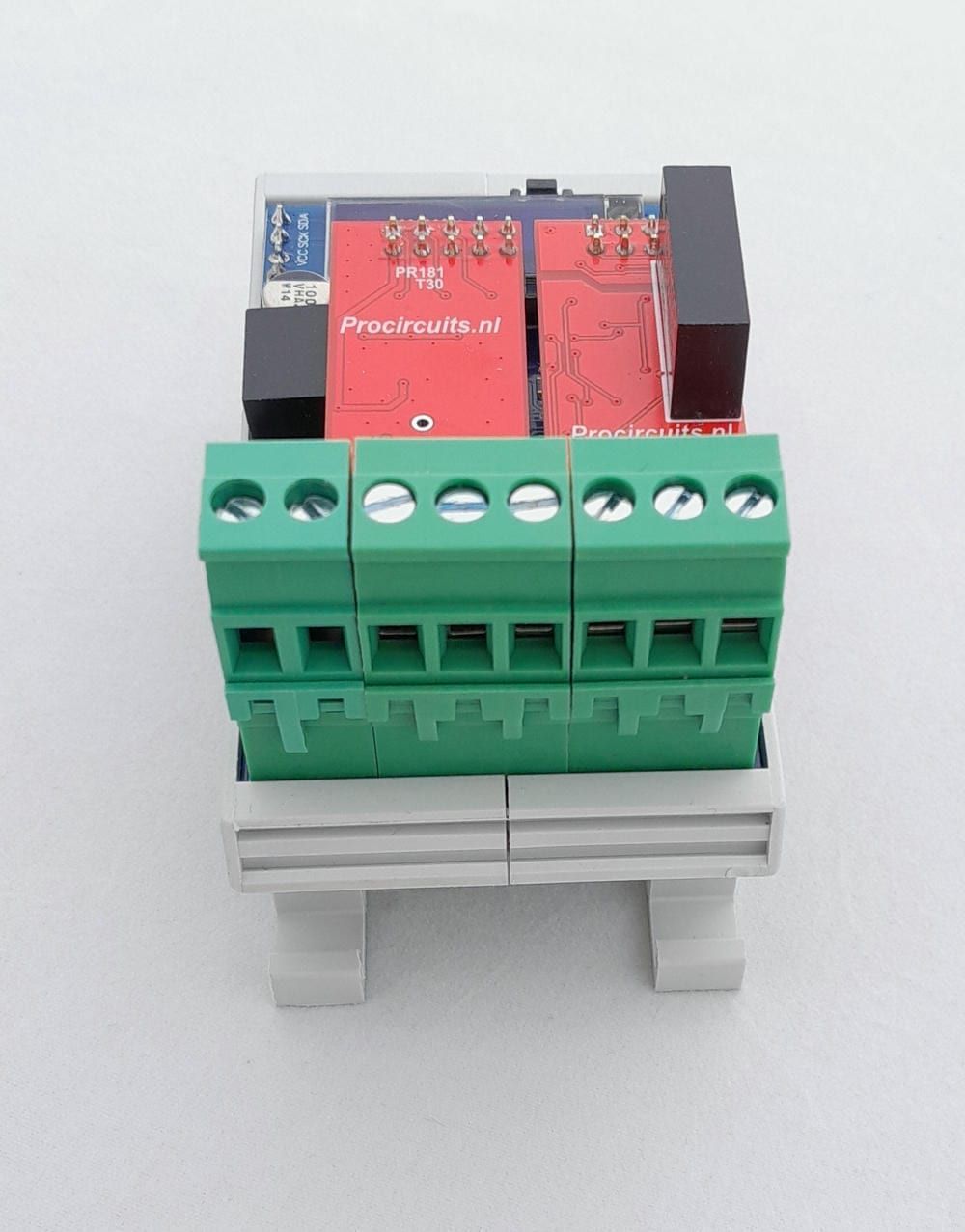
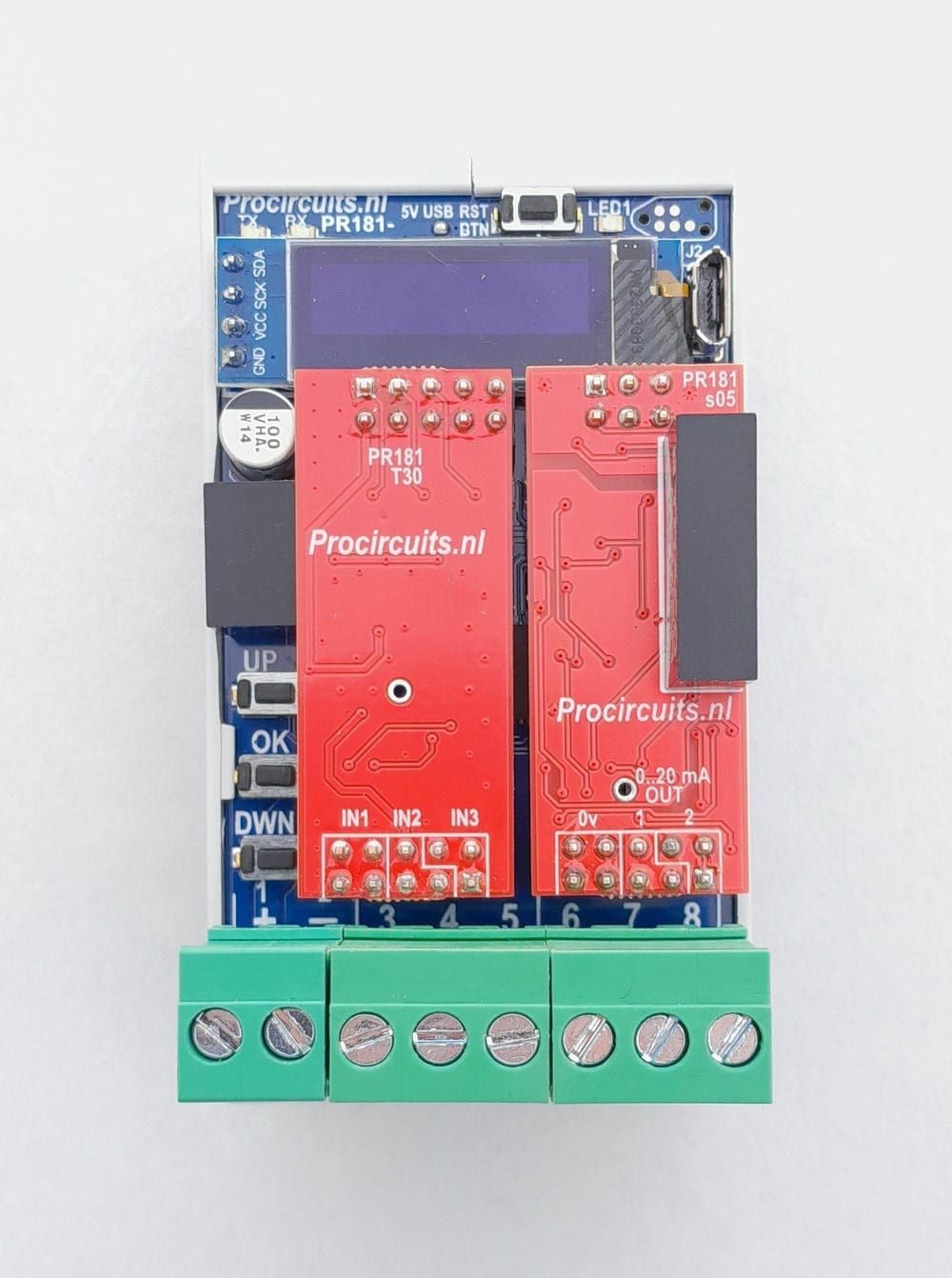
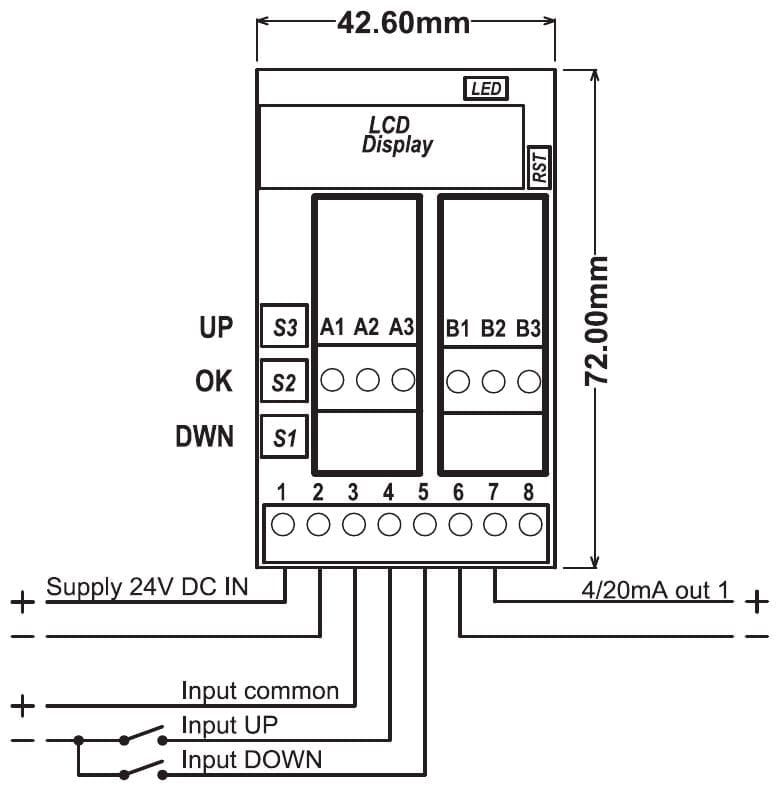
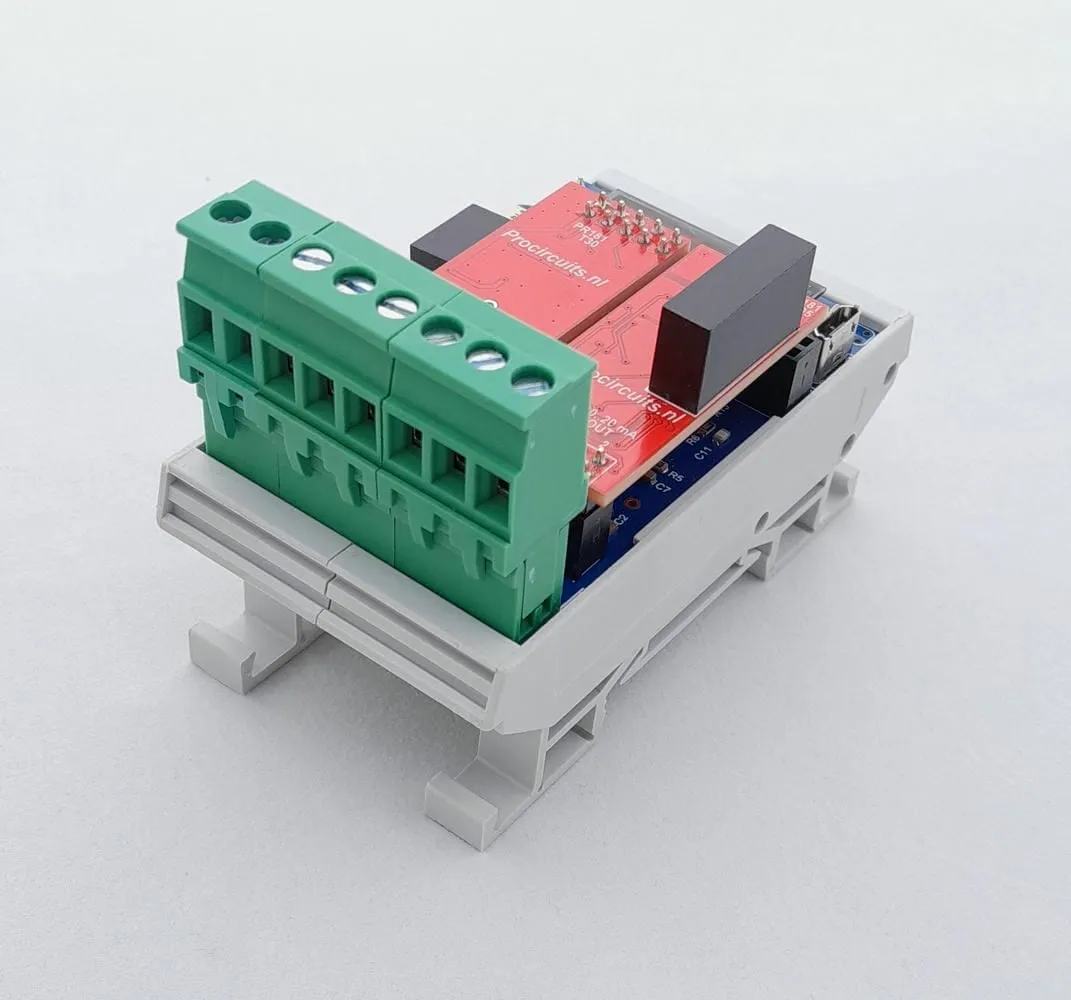
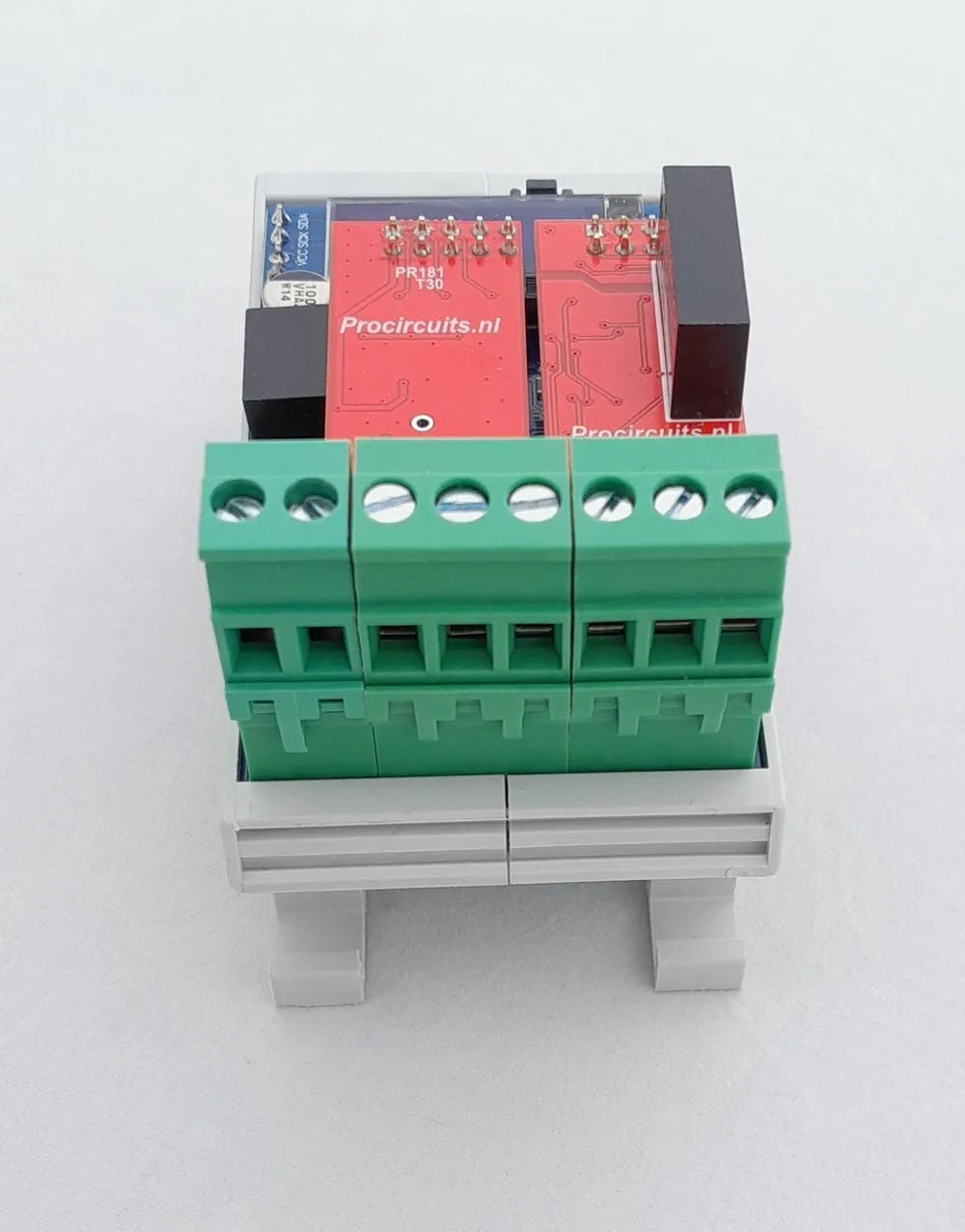
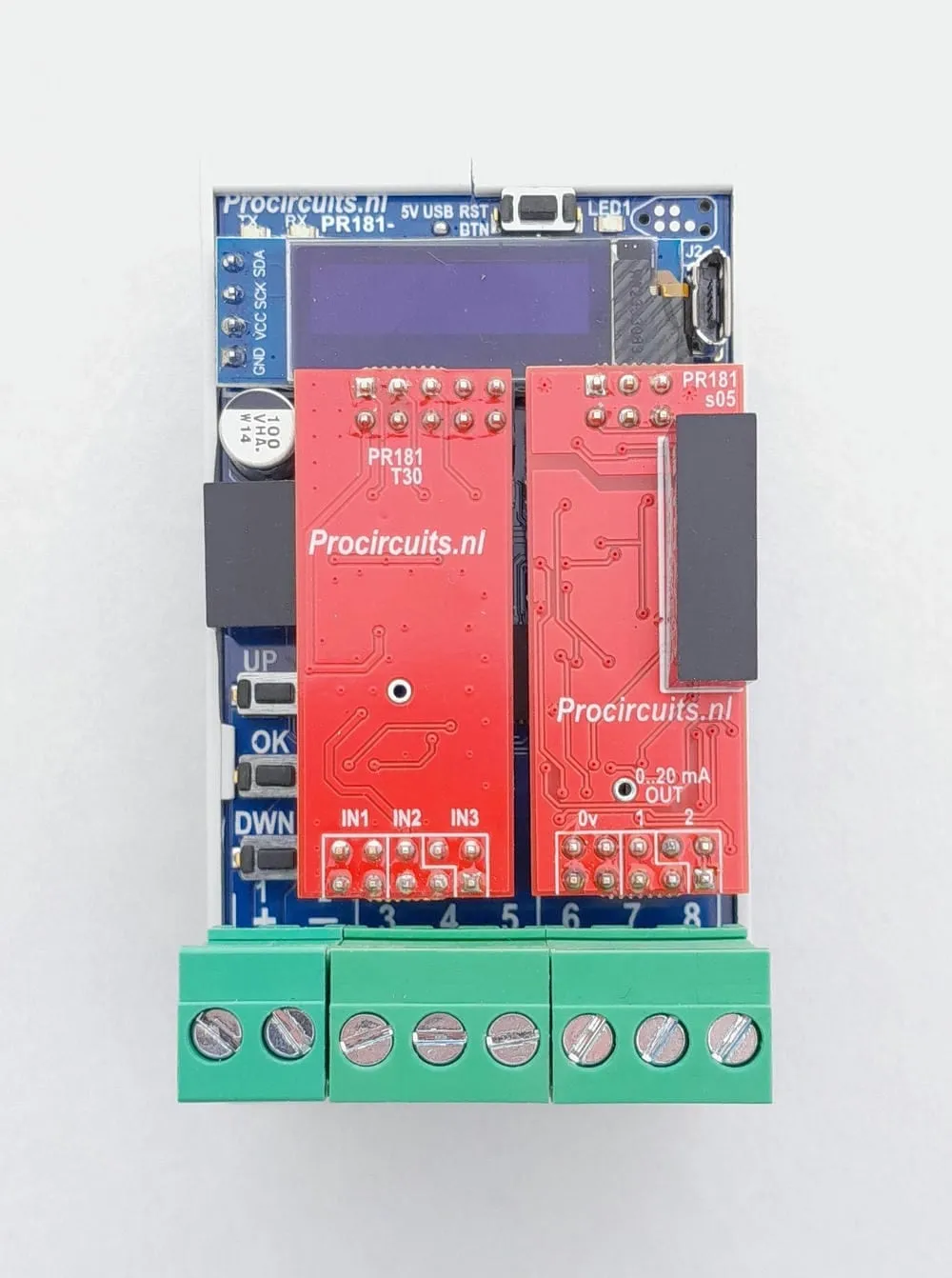
Article number PR181-X027
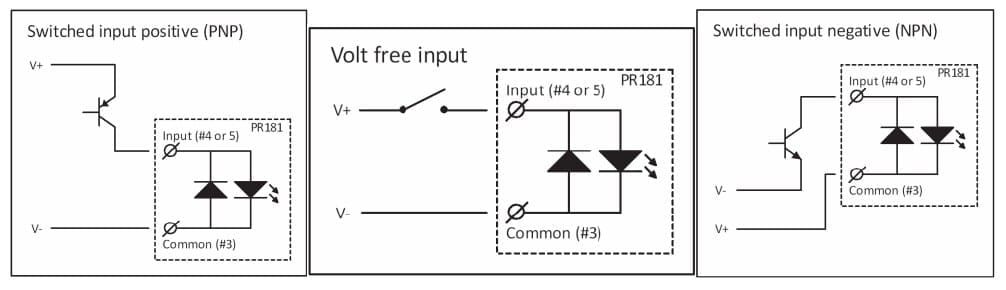
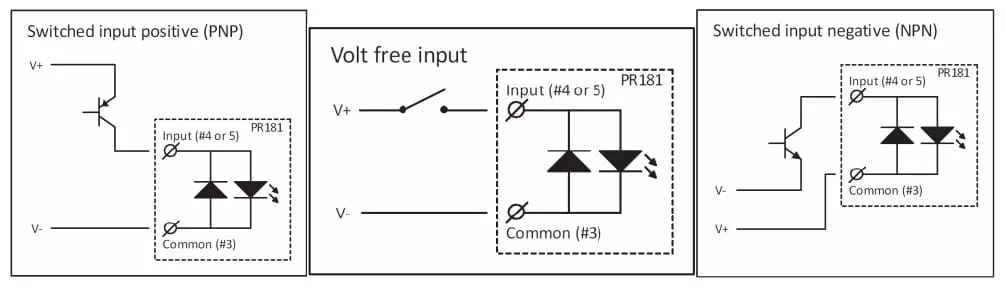
The PR181-X027 converts an up and a down pulse input into a 4-20 mA signal. Output speed in seconds sets how long the output takes to go from 0 to 100 % and back; the lower and upper limits of the output are set on the display. The inputs accept high-side and low-side switched contacts of 20 to 50 V DC; LED 1 (up) and LED 2 (down) light up on a pulse. Input, output and supply are galvanically isolated from each other.
Price on request
Lead time on request. Not in stock? We will make it.
Orders are placed by email with a purchase order. We supply businesses only.
| Supply | 9 to 30 V DC |
|---|---|
| Input | Two pulse inputs, UP and DOWN, 20 to 50 V DC; high-side or low-side switched |
| Output | 4-20 mA as delivered, 21 mA max.; lower and upper limit adjustable |
| Isolation | Input, output and supply galvanically isolated from each other |
| Setup | Display with UP, OK and DOWN buttons |
| Output travel time | Adjustable: time from 0 to 100 % and back |
| Minimum pulse width | 100 ms min. |
| Output refresh rate | 10 Hz |
| Ambient temperature | -25 to 55 °C, non-condensing |
| Dimensions | 45 x 83 mm with DIN rail enclosure, 42.6 x 72 mm without |
| Factory setting | 4-20 mA output |
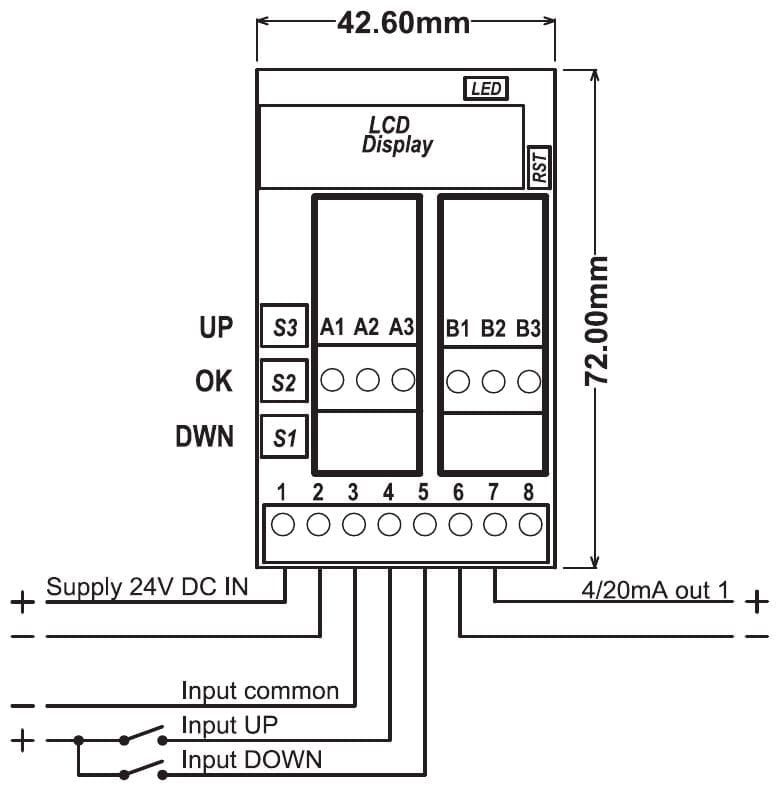
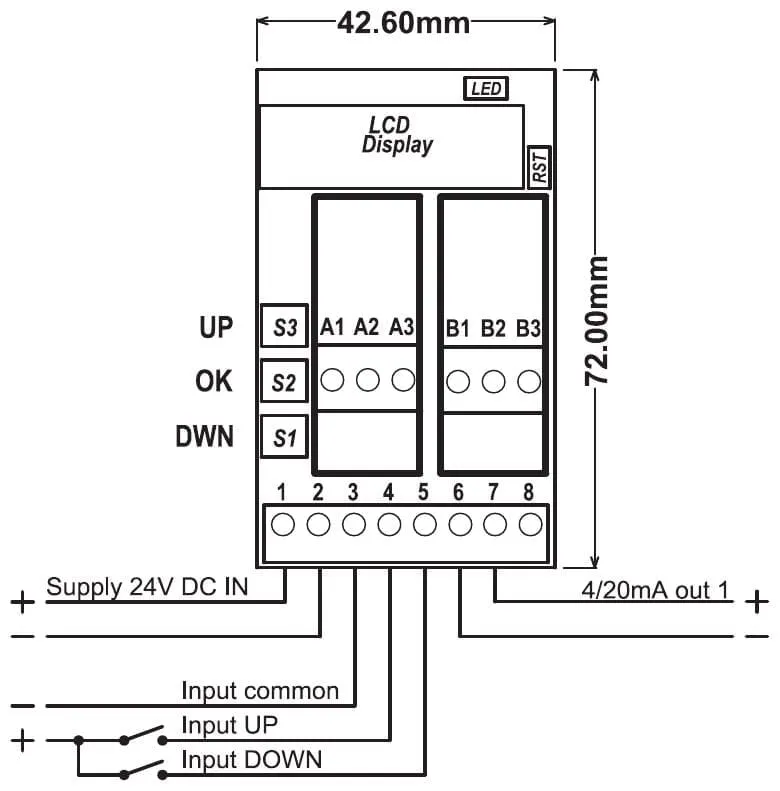
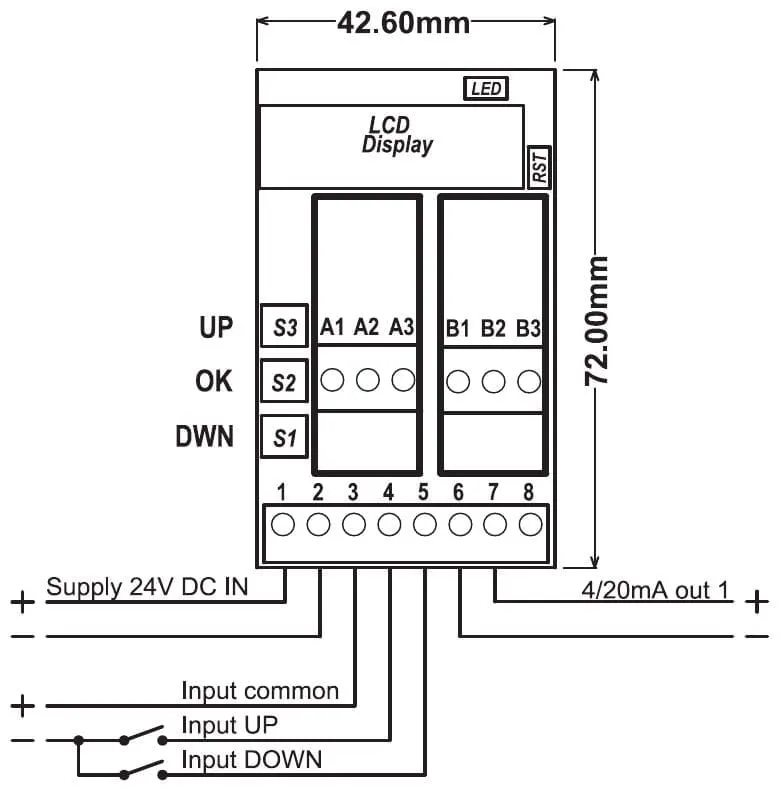
| Terminal | Function |
|---|---|
| Terminal 1 | Supply plus |
| Terminal 2 | Supply minus |
| Terminal 3 | Input common |
| Terminal 4 | UP input |
| Terminal 5 | DOWN input |
| Terminal 6 | Isolated output common |
| Terminal 7 | Isolated 4-20 mA output (plus) |
| Terminal 8 | Not used |
The modules in the PR181 series are set up on the display on the module, using the UP, DOWN and OK buttons. On most versions the lower and upper limits of input and output are set independently, as is the rise and fall rate of the output; the settings of each module are listed on the product page under Setup. With an adjustable rise and fall rate, motors, pumps, valves and hydraulics can be driven smoothly. On versions with an analogue output, that output is galvanically isolated from input and supply to prevent ground loops. New settings are stored through the SAVE menu. The standard DIN rail enclosure measures 45 x 83 mm (board 42.6 x 72 mm); versions with more terminals are wider. Most modules run on 9 to 30 V DC at -25 to 55 °C, non-condensing.
For some conversions there is also a version without display and without galvanic isolation in the PR100 series: it is set up with push buttons and runs on 12 and 24 V DC (operating range 11 to 30 V DC). Where one exists, it is listed on the product page under Other version.
A different input, another range, galvanic isolation or your own logo: we adapt the module.
You speak directly with the developer. Call or message Willem on +31 6 45 77 55 93.
PR181-X027
Enter the quantity. You will receive price and lead time by email. You then order with a purchase order.
Send the article number and quantity via WhatsApp to +31 6 83 66 55 88. Willem replies on working days.
WhatsApp Willem(opens in a new tab)Signal converters
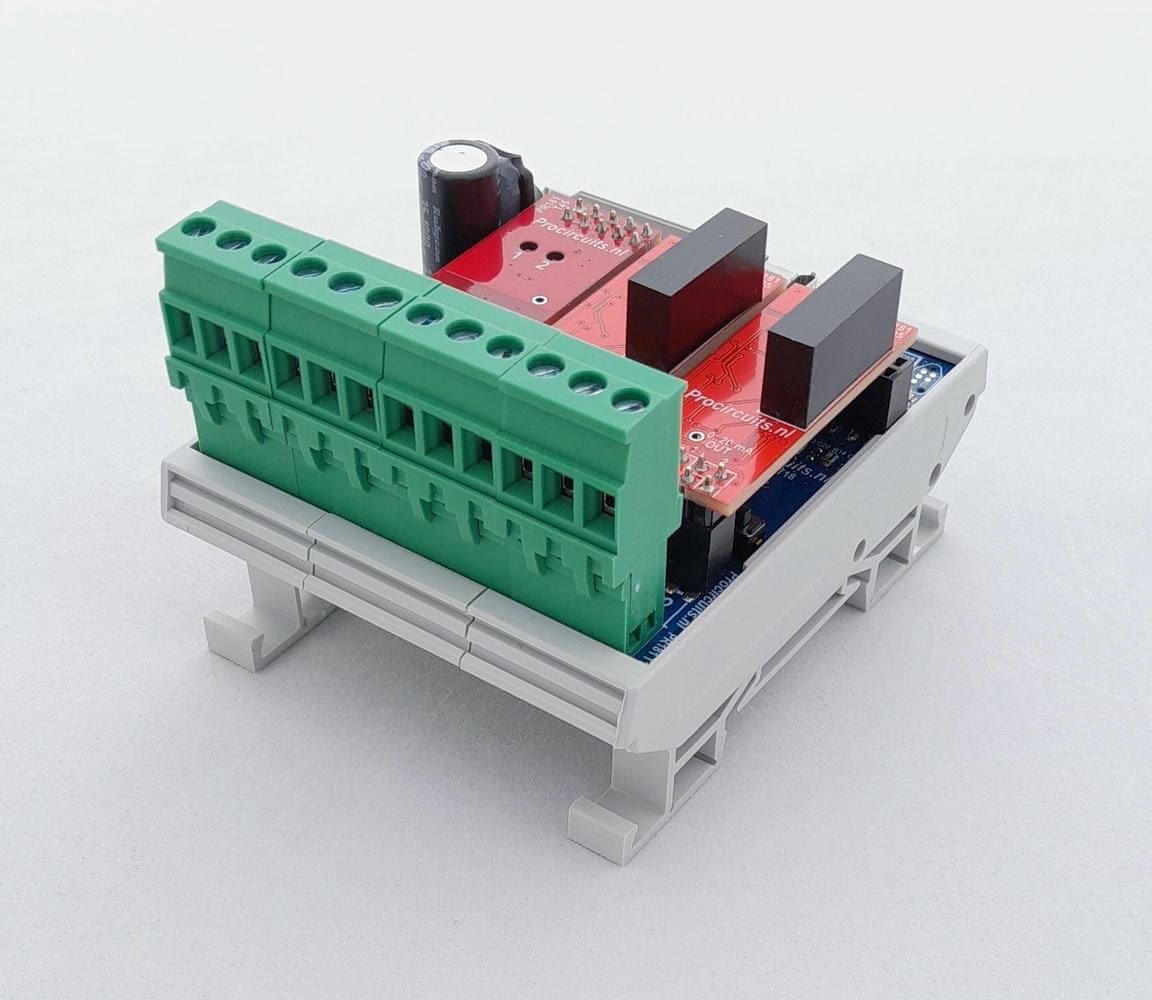
PR181-X031
In: Pulse contactOut: 4-20 mA or 0-20 mA
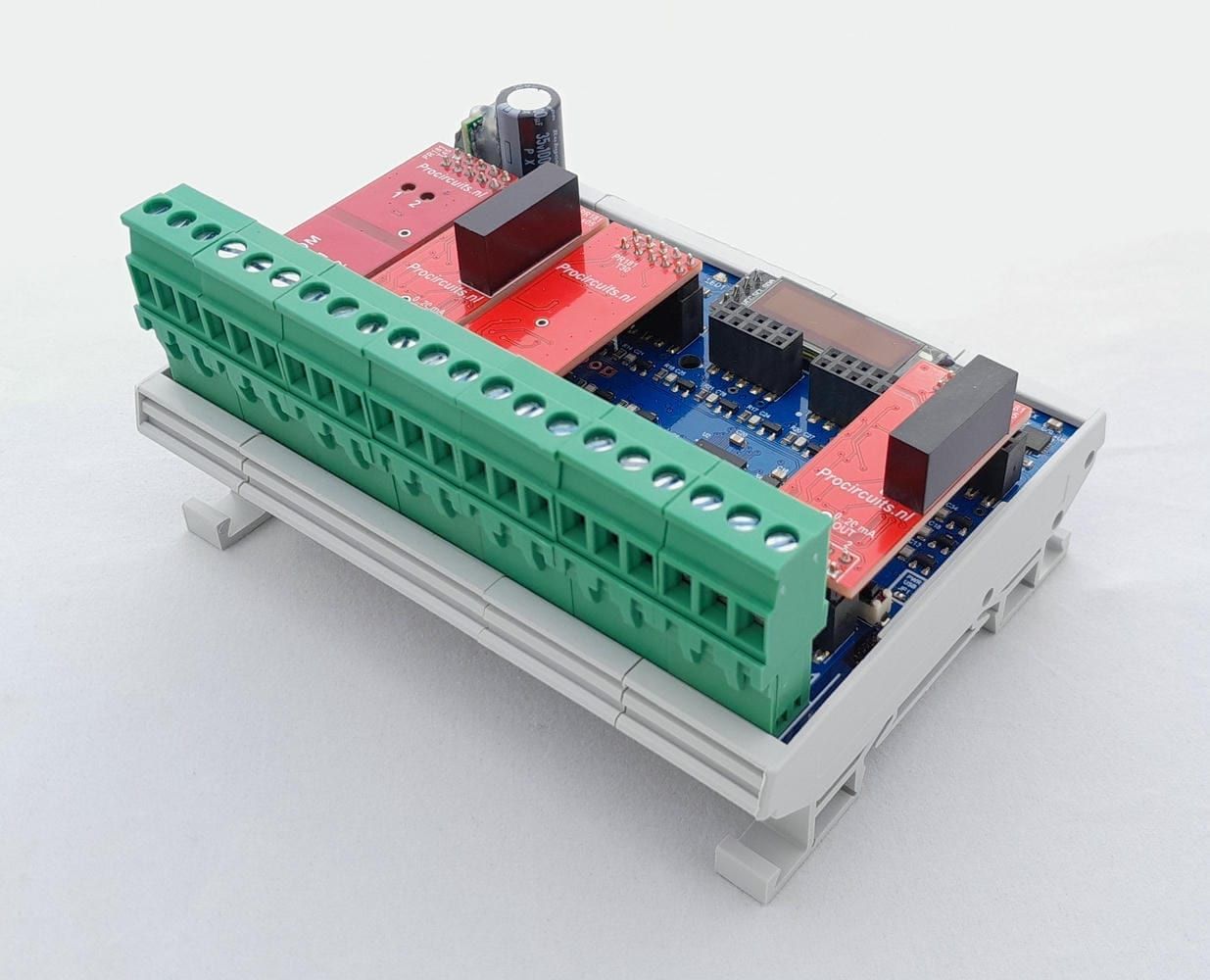
PR181-X087
In: Pulse contactOut: 4-20 mA or 0-20 mA
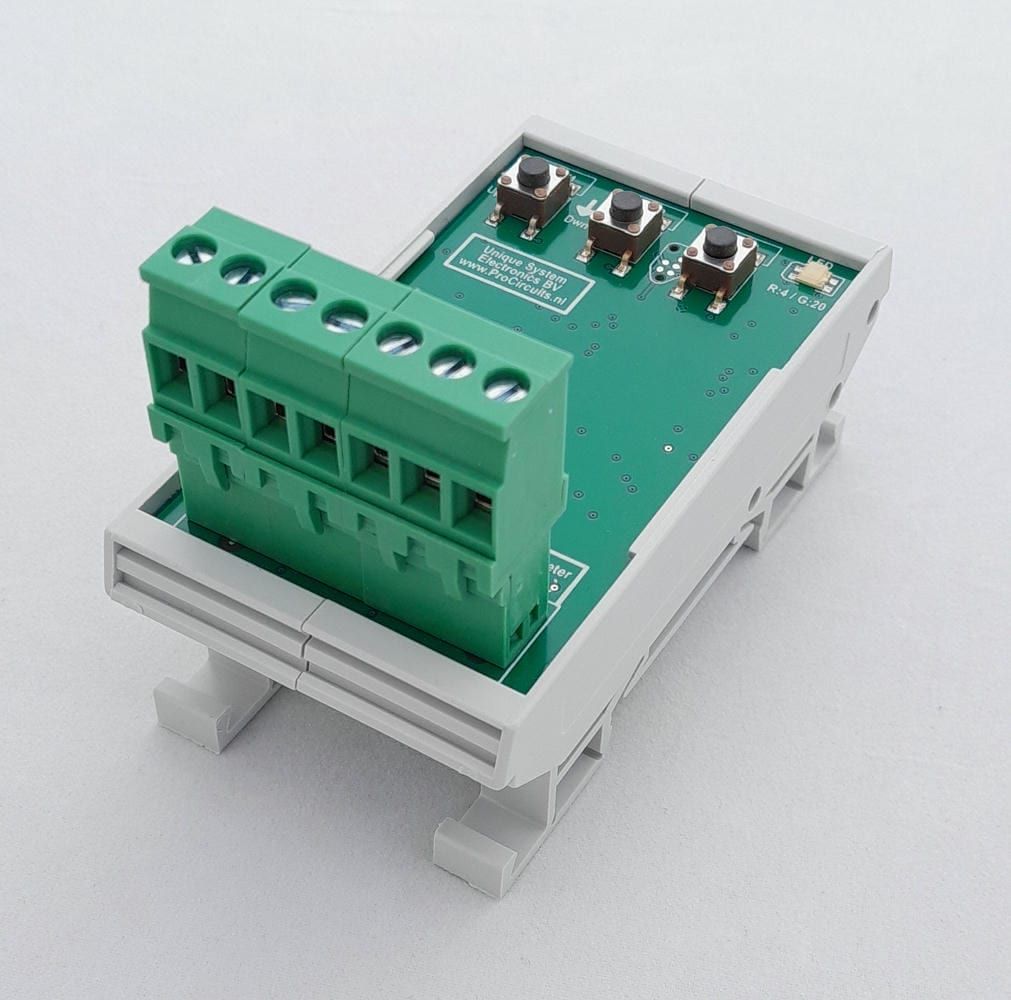
PR100s09
In: Pulse contactOut: 0-5 V
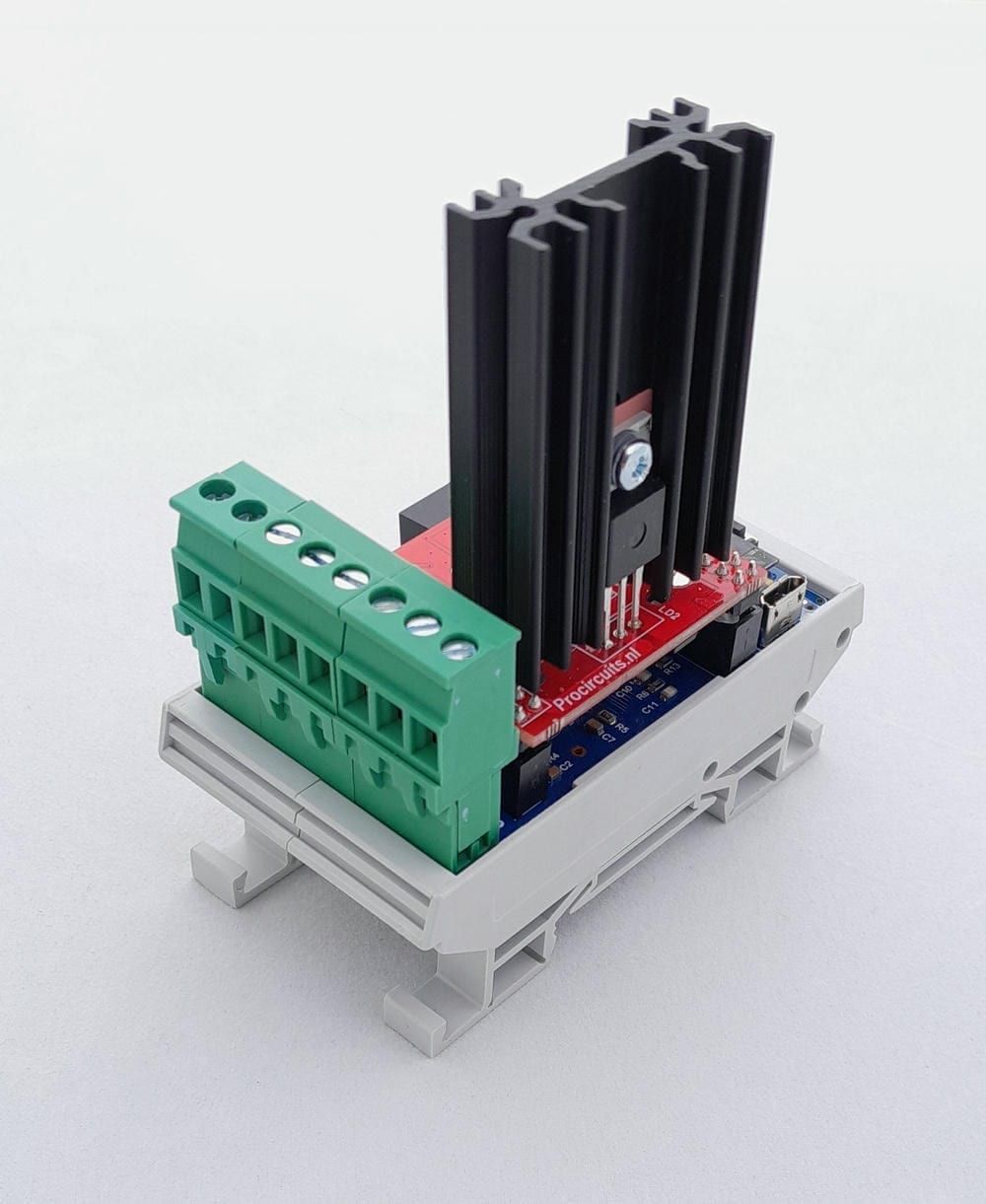
PR181-X062
In: Pulse contactOut: PWM