Not quite right?
A different input, another range, galvanic isolation or your own logo: we adapt the module.


Article number PR116v4
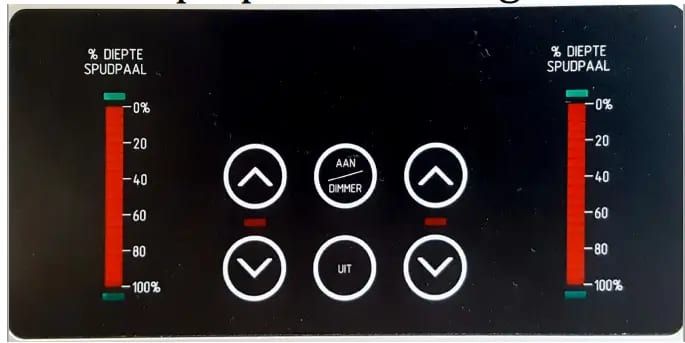
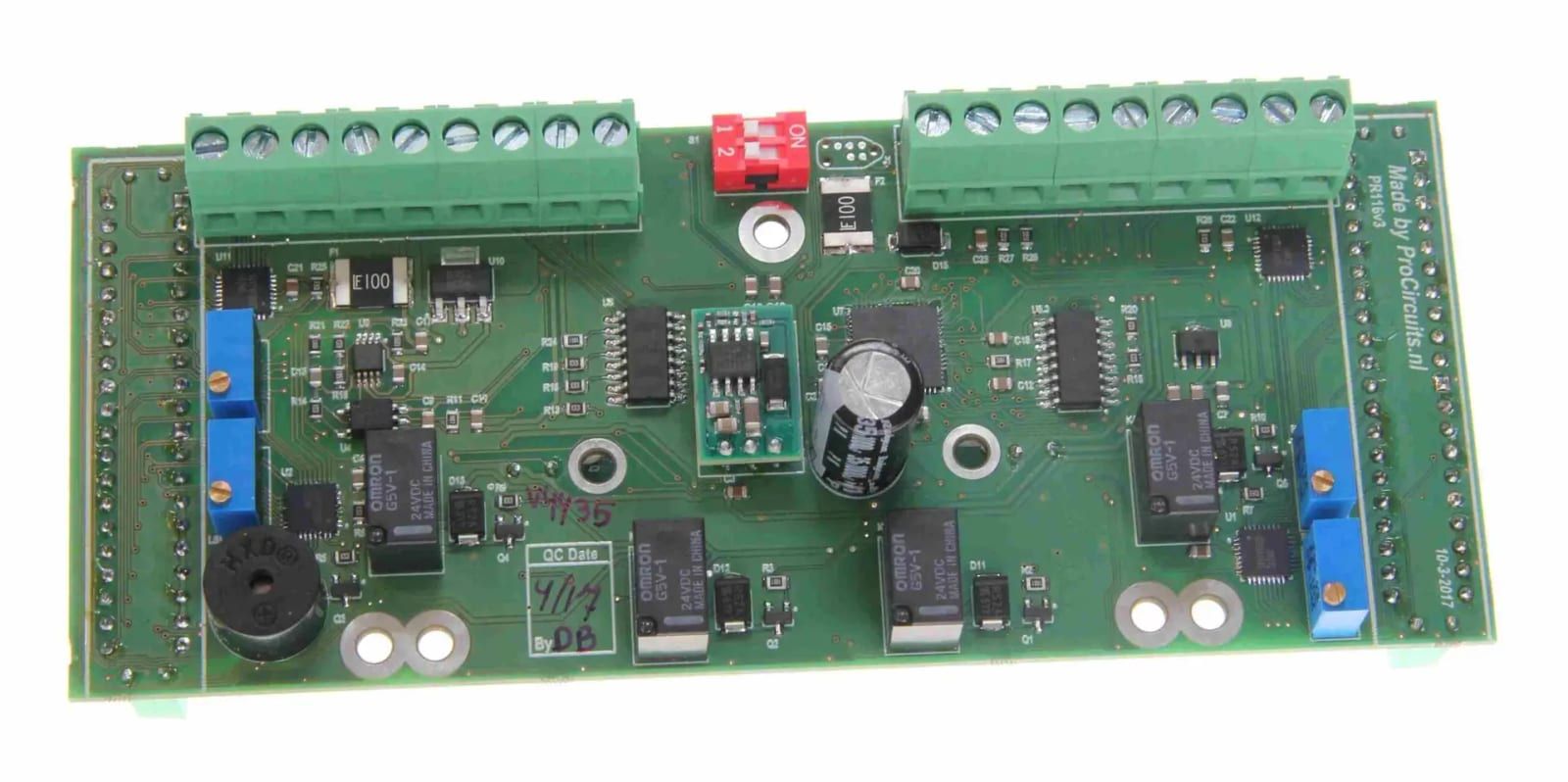
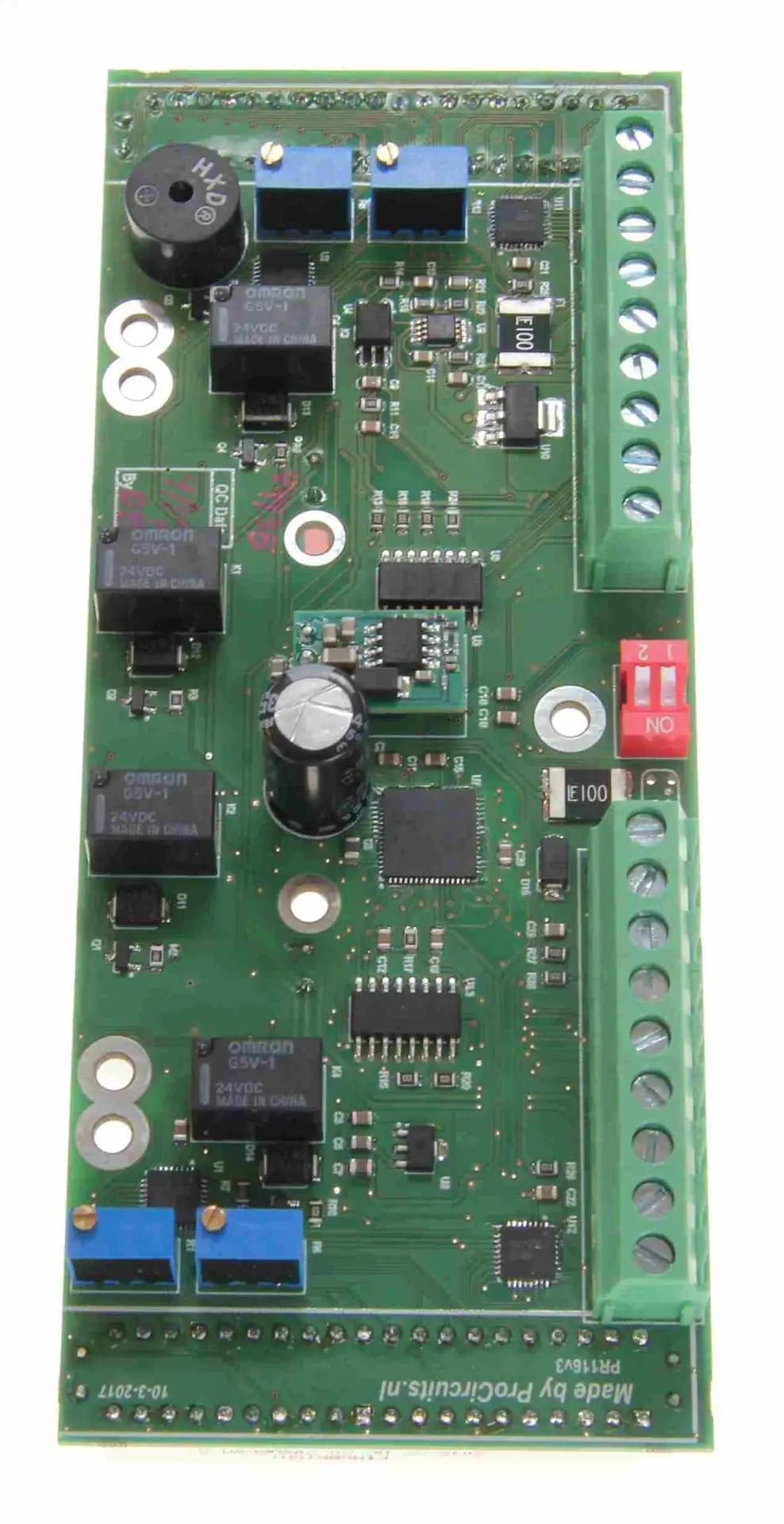
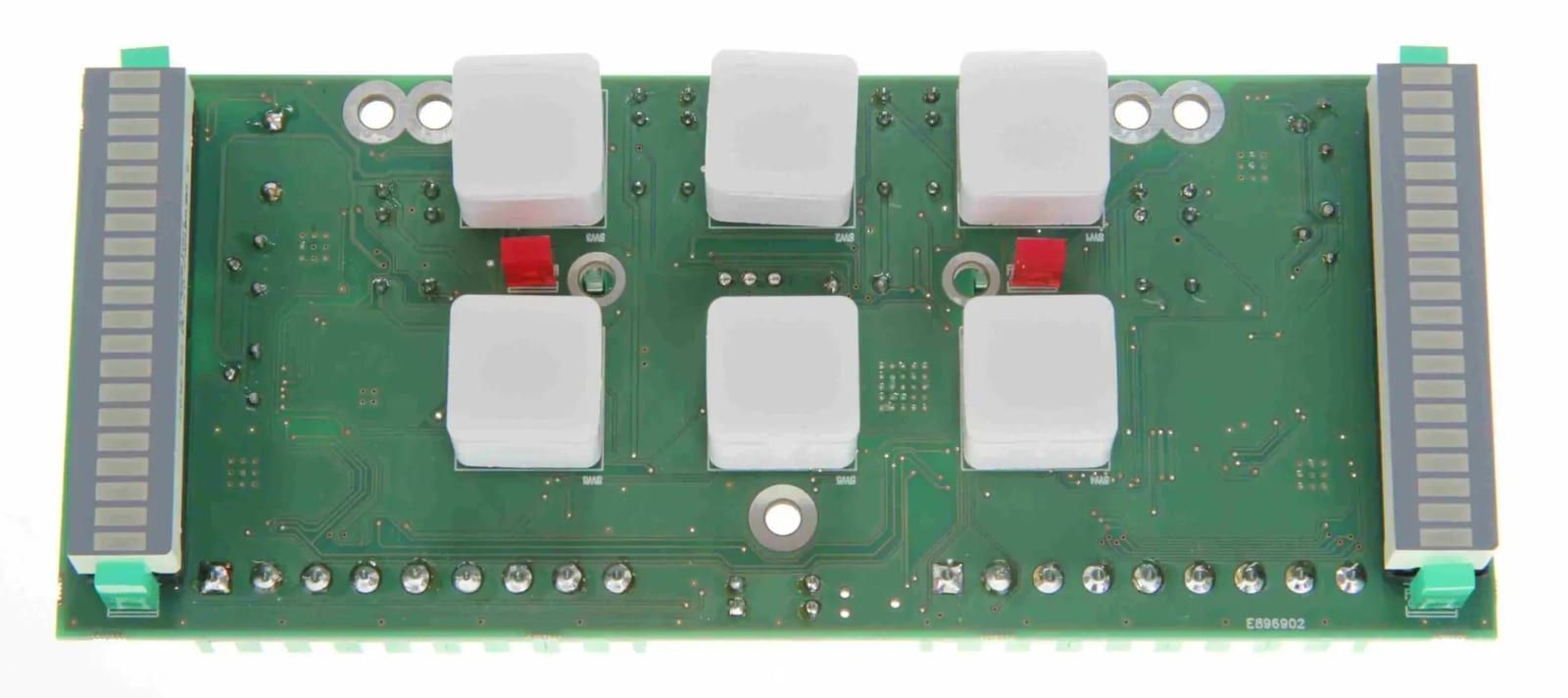
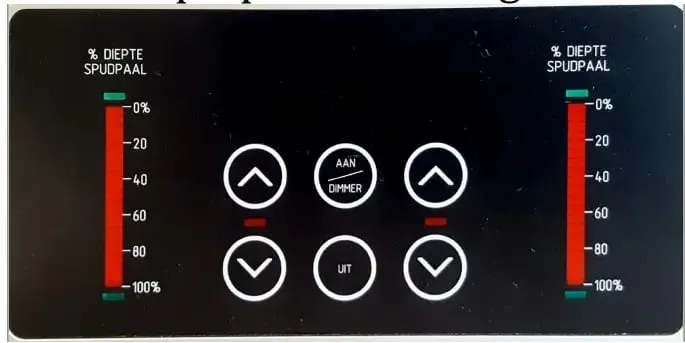
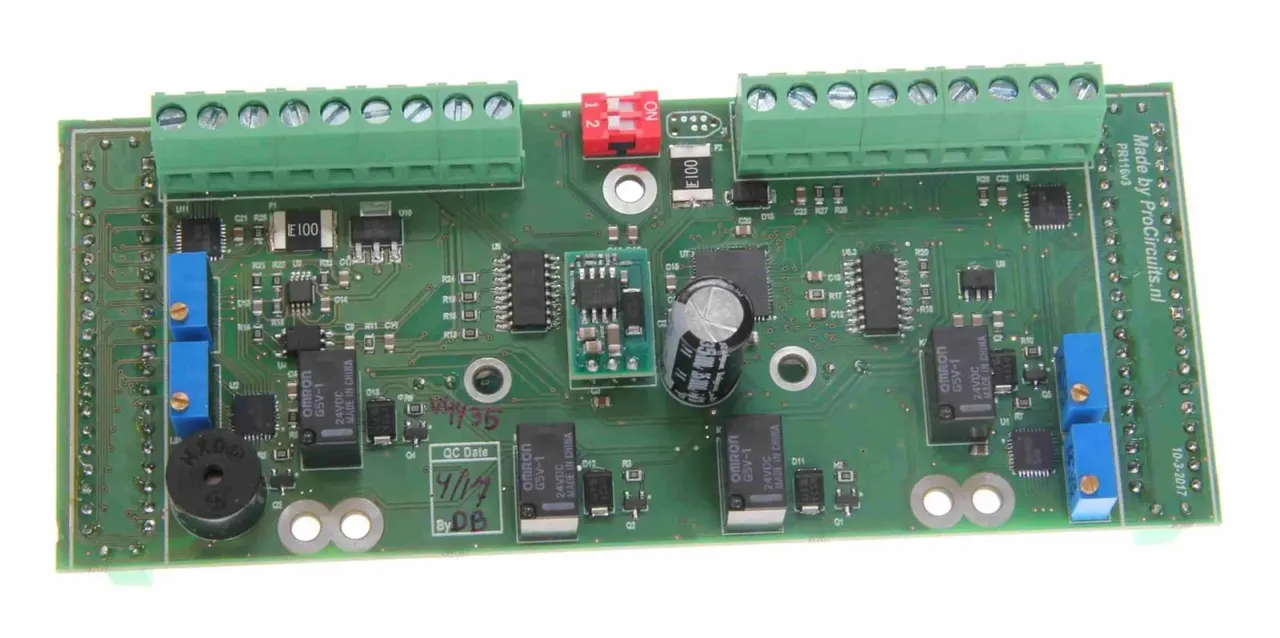
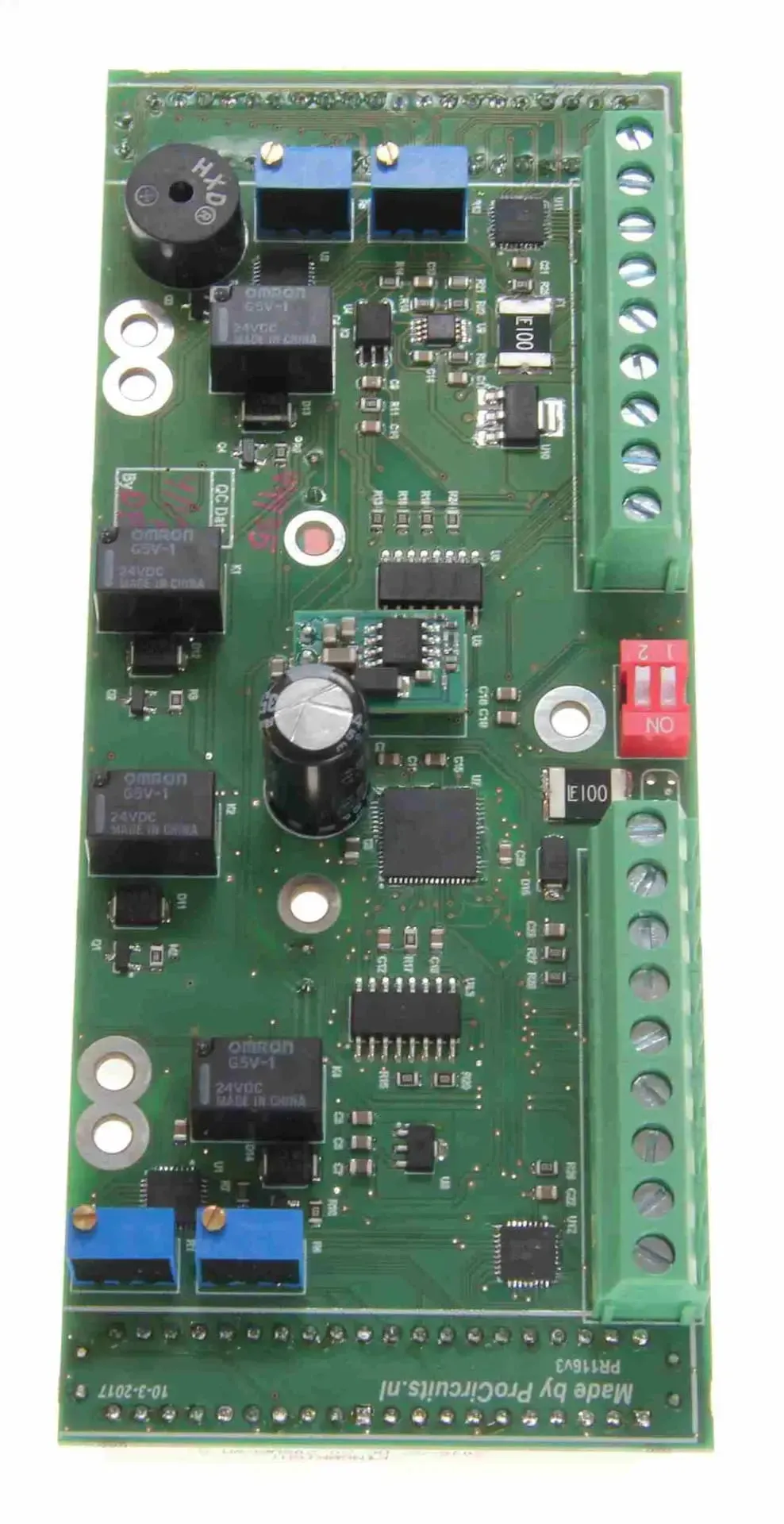
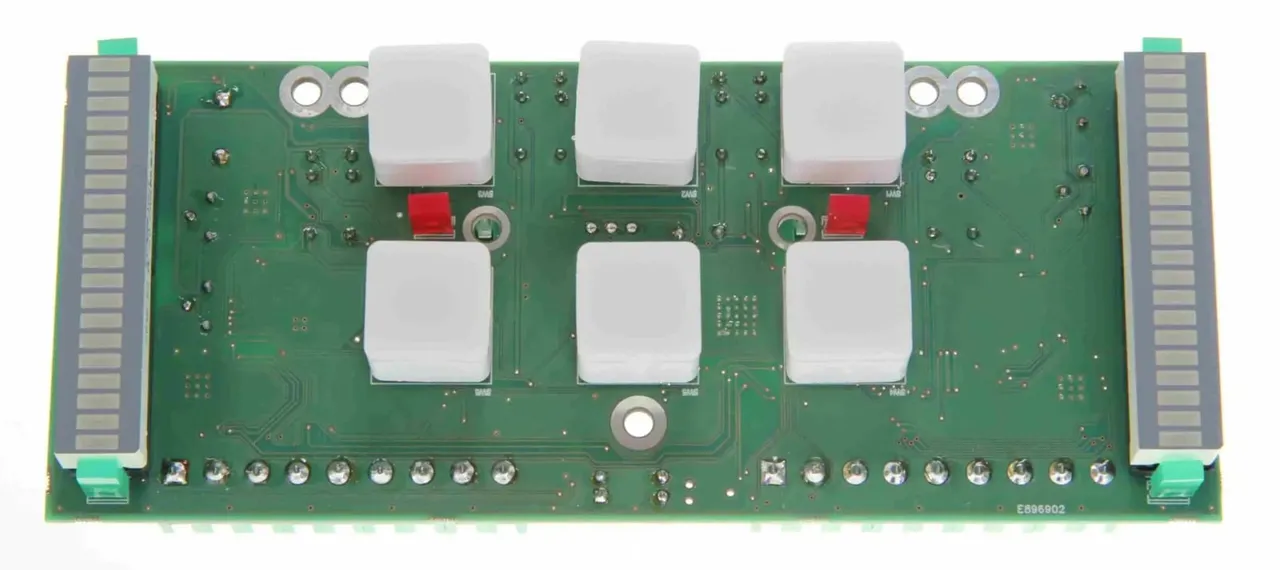
The PR116v4 panel controls spud poles with relay contacts for up and down, and uses LED bars driven by a 4-20 mA signal to show how far the pole extends. Green LEDs indicate whether the pole is retracted or extended; a red LED and a buzzer come on as soon as the locking pin is activated, even when the panel is switched off. The start and end of each LED bar are set with trimmers, and DIP switches turn an LED bar off.
Price on request
Lead time on request. Not in stock? We will make it.
Orders are placed by email with a purchase order. We supply businesses only.
| Supply | 24 V DC |
|---|---|
| Input | 4-20 mA for the LED bars; contact inputs IN1, IN2 and IN3 (24 V) for the green and red indicators and the locking pin |
| Output | Relay contacts K1 and K2 for spud pole up and down |
| Setup | Trimmers POT1A and POT2A (left LED bar) and POT1B and POT2B (right LED bar); DIP switches 1 and 2 turn an LED bar off |
| Display | Two LED bars, green LEDs for retracted and extended, red LED and buzzer for the locking pin |
A different input, another range, galvanic isolation or your own logo: we adapt the module.
You speak directly with the developer. Call or message Willem on +31 6 45 77 55 93.
PR116v4
Enter the quantity. You will receive price and lead time by email. You then order with a purchase order.
Send the article number and quantity via WhatsApp to +31 6 83 66 55 88. Willem replies on working days.
WhatsApp Willem(opens in a new tab)Marine
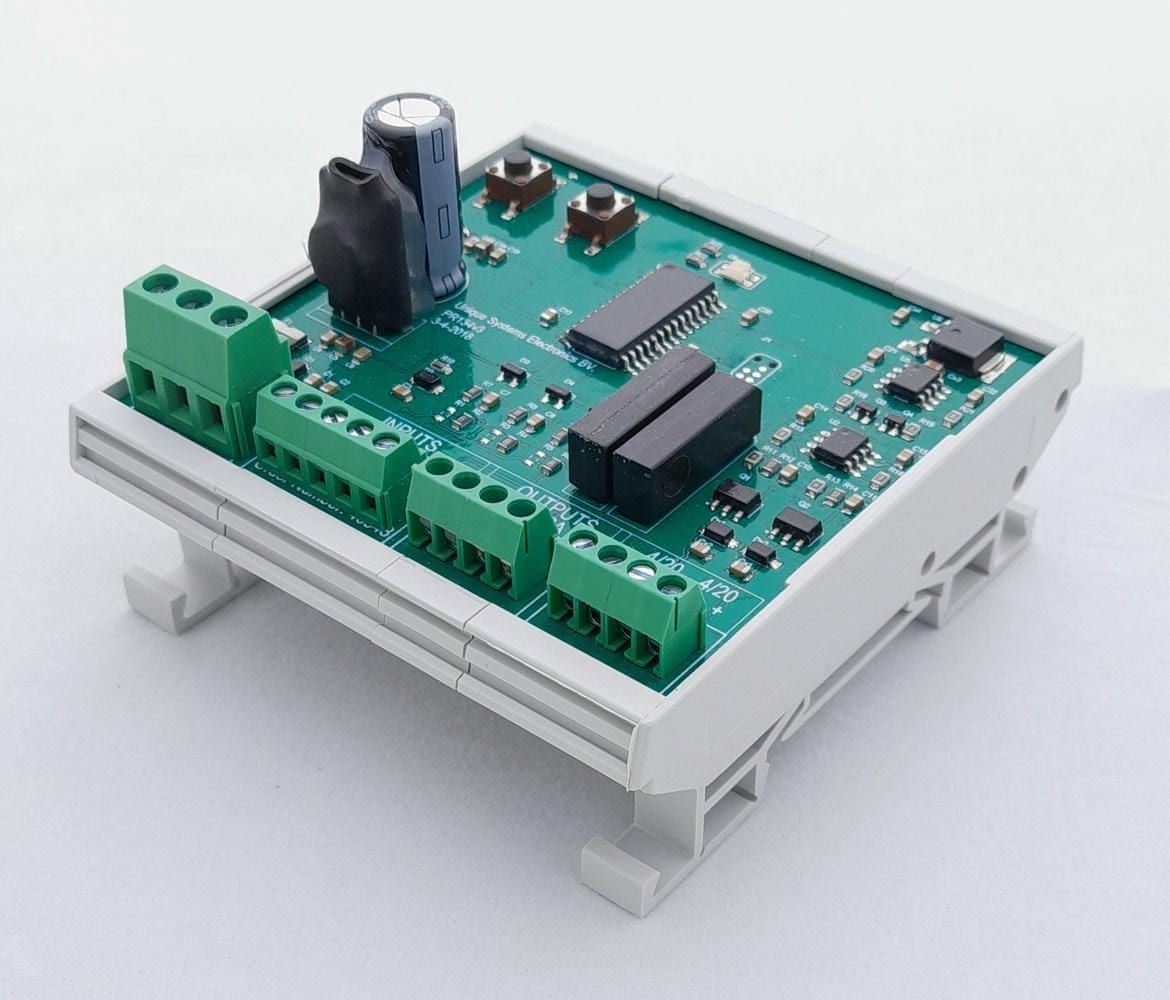
PR134s01
In: DigitalOut: 4-20 mA or Relay
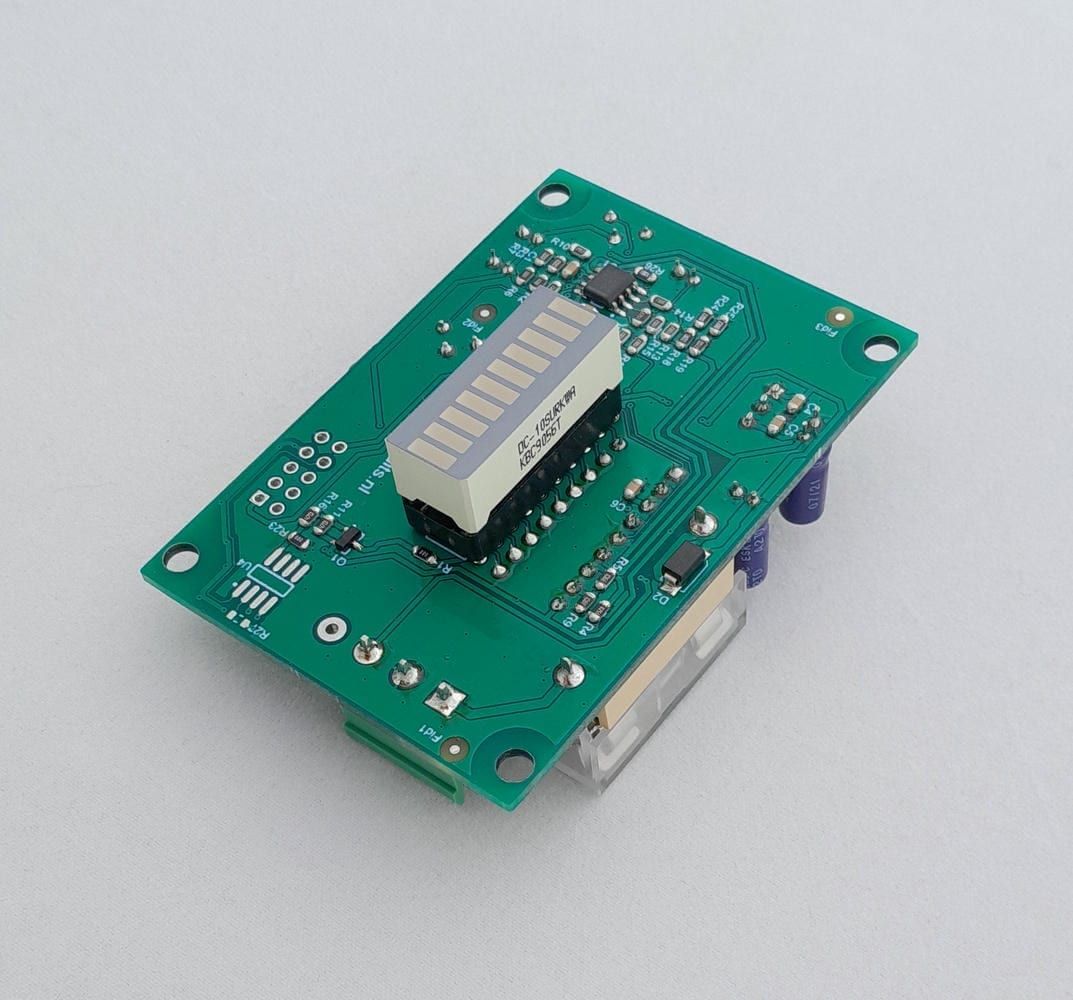
PR177s01 · PR177s02
In: 4-20 mAOut: LED bar
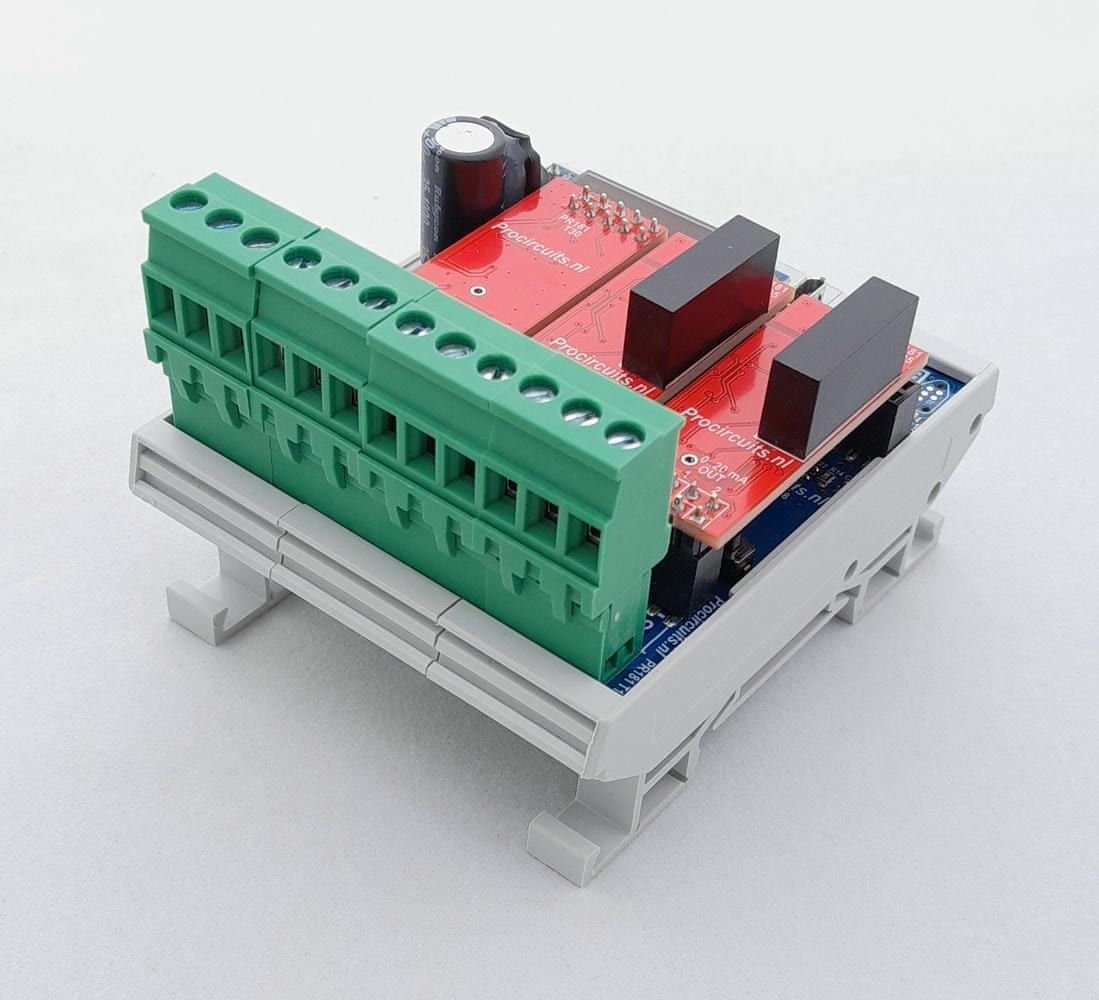
PR181-X047
In: 4-20 mA or 0-20 mAOut: 4-20 mA or 0-20 mA